Digital art is evolving, and in 2026, texture is king. Whether you are a professional illustrator or a hobbyist, the right brush can transform a flat drawing into a tactile, masterpiece.
At Artcoast Design, we believe in empowering creators. That’s why we are releasing a special set of 5 professional texture brushes for Procreate—and they are completely free to download.
Why You Need Texture in Your Digital Workflow
Texture adds "soul" to digital art. It breaks the digital perfection and adds grit, depth, and a hand-crafted feel. Our latest freebie focuses on the Ink & Markers category, designed to mimic the natural flow of real-world materials on your iPad.
What’s inside this Free Procreate Brush Set?
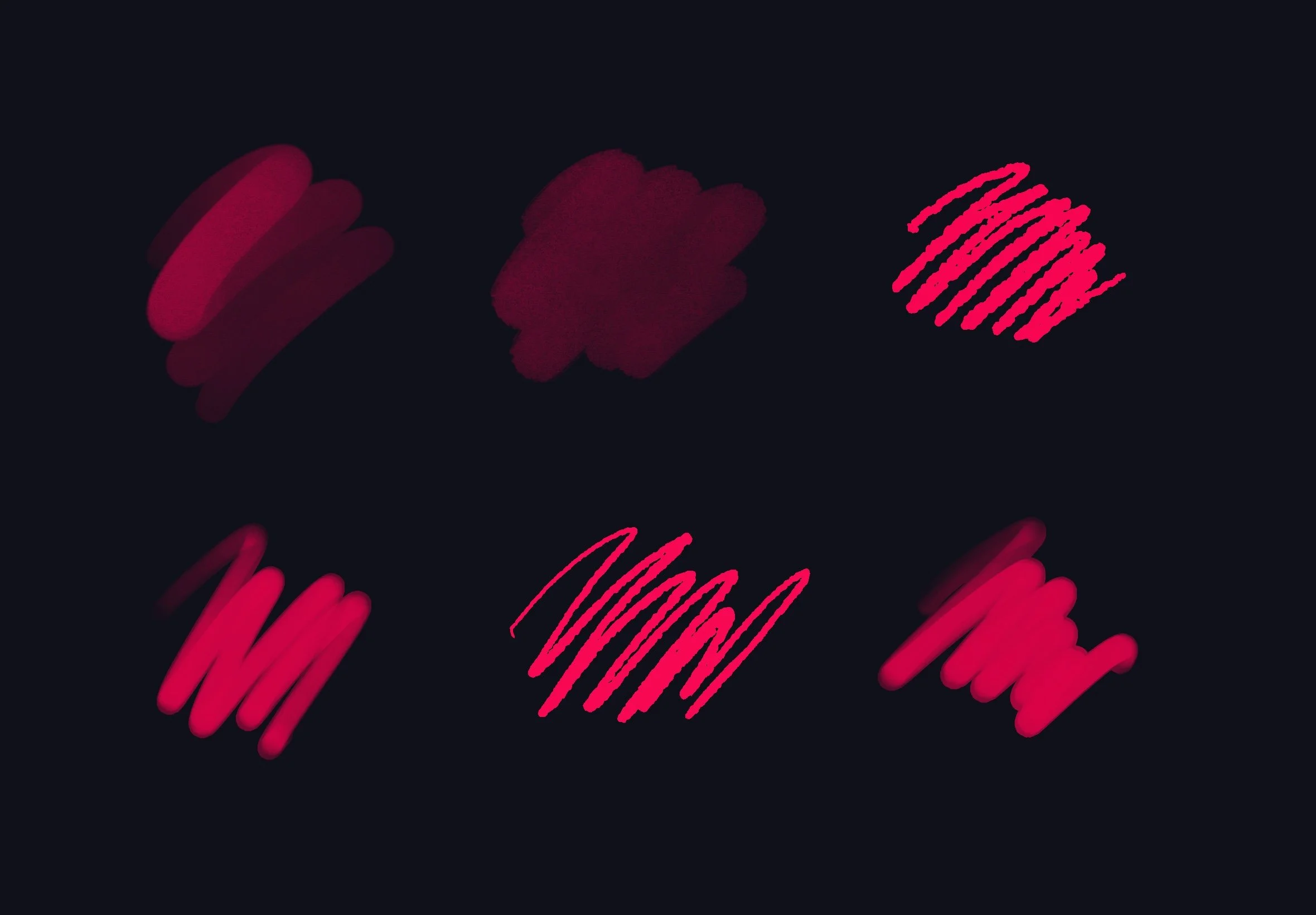
We’ve hand-picked 5 essential brushes that every artist needs in their library:
Rough Ink: Perfect for edgy outlines and comic art.
Soft Grain Marker: Ideal for smooth shading with a subtle paper texture.
Washed Fiber: Great for adding organic depth to your backgrounds.
Tapered Inker: A precision tool for clean, textured line work.
Bleeding Marker: Mimics the look of ink soaking into thick art paper.
How to Download Your Free Brushes
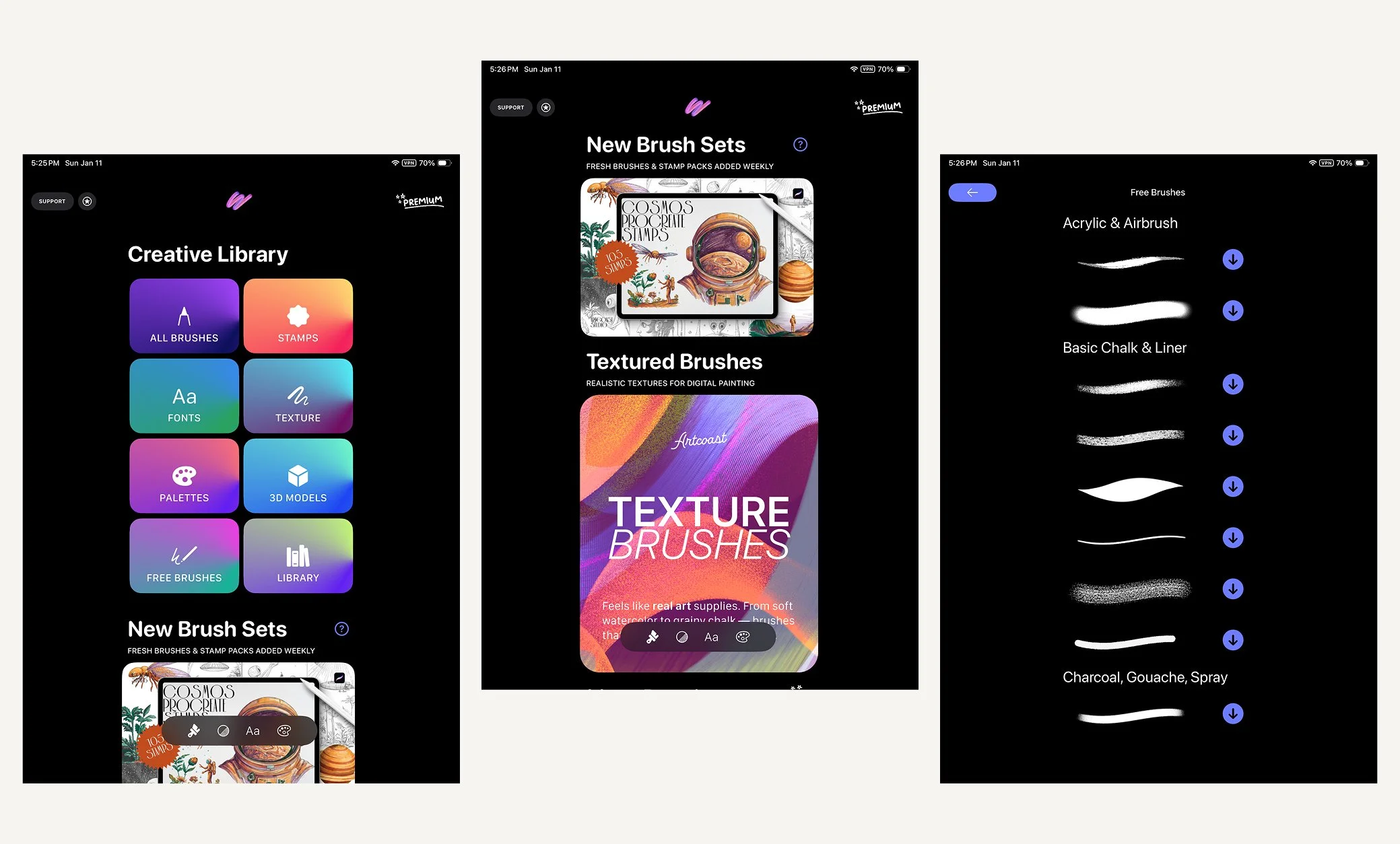
Install Brushes by Artcoast Studio from the App Store to try the free starter collection. Your first brush is available immediately, then you unlock another on each new day you visit the app, up to 26 brushes. You keep your unlocked brushes even if you skip a day. A Premium subscription gives you access to the full library. Procreate is required separately to use the brushes.
Want More? Unlock 5,000+ Premium Assets
If you’re ready to take your art to the professional level, 5 brushes are just the beginning.
For the ultimate creative experience, check out our app: Art Brushes for iPad. It is the largest library of digital assets for Procreate users, featuring:
5,000+ Premium Brushes: From hyper-realistic oil paints to urban graffiti stamps.
Exclusive Textures & Fonts: Everything you need to finish a project in one place.
Weekly Updates: New tools added to keep up with the latest art trends.
Final Tip for Success
Don't just collect brushes—experiment with them! Try layering these free texture brushes using different "Blending Modes" (like Overlay or Multiply) in Procreate to see how they interact with your colors.
Show us what you create! Tag @Artcoast in your posts for a chance to be featured on our blog.