
Graphic design and motion design are two fields that have become increasingly intertwined in recent years. Motion design, also known as motion graphics, is the art of creating animated designs, videos, and visual effects. It adds an extra dimension to graphic design by bringing static designs to life and creating engaging and dynamic visuals. In this article, we will explore how graphic designers can use motion design to enhance their work and create visually stunning designs.
The Basics of Motion Design
To get started with motion design, graphic designers should familiarize themselves with the basics of animation, such as keyframes, timing, and easing. Keyframes are the starting and ending points of an animation, and timing is the duration of the animation. Easing is the gradual acceleration or deceleration of an animation, which can add a sense of realism and natural movement to the animation. Graphic designers should also familiarize themselves with software used for motion design such as Adobe After Effects, Adobe Premiere Pro, and Cinema 4D.
Enhancing Branding and Marketing
Motion design can be a powerful tool for branding and marketing. Animated logos, explainer videos, and social media content can make a brand more memorable and engaging. Motion design can also be used to create interactive experiences, such as animations that respond to user interactions on a website or mobile app. This type of motion design can be used to create a sense of depth and dimension, making a website or app more engaging and user-friendly.
Interactive and Responsive Design
Interactive and responsive design is another area where motion design can be used to enhance the user experience. Interactive and responsive design is a design approach that allows users to interact with the design and receive feedback in return. This type of design can be used to create animations that respond to user interactions, such as hover effects, scrolling animations, and more. This creates a sense of interactivity and engagement, making the user more likely to stay on the website or app for longer.
In conclusion, motion design is an essential tool for graphic designers looking to create engaging and dynamic visuals. By familiarizing yourself with the basics of animation, using motion design to enhance branding and marketing, and using interactive and responsive design, graphic designers can use motion design to take their designs to the next level. As motion design becomes more prevalent in the industry, it's important for graphic designers to be well-versed in this field and be able to create visually stunning designs that stand out.

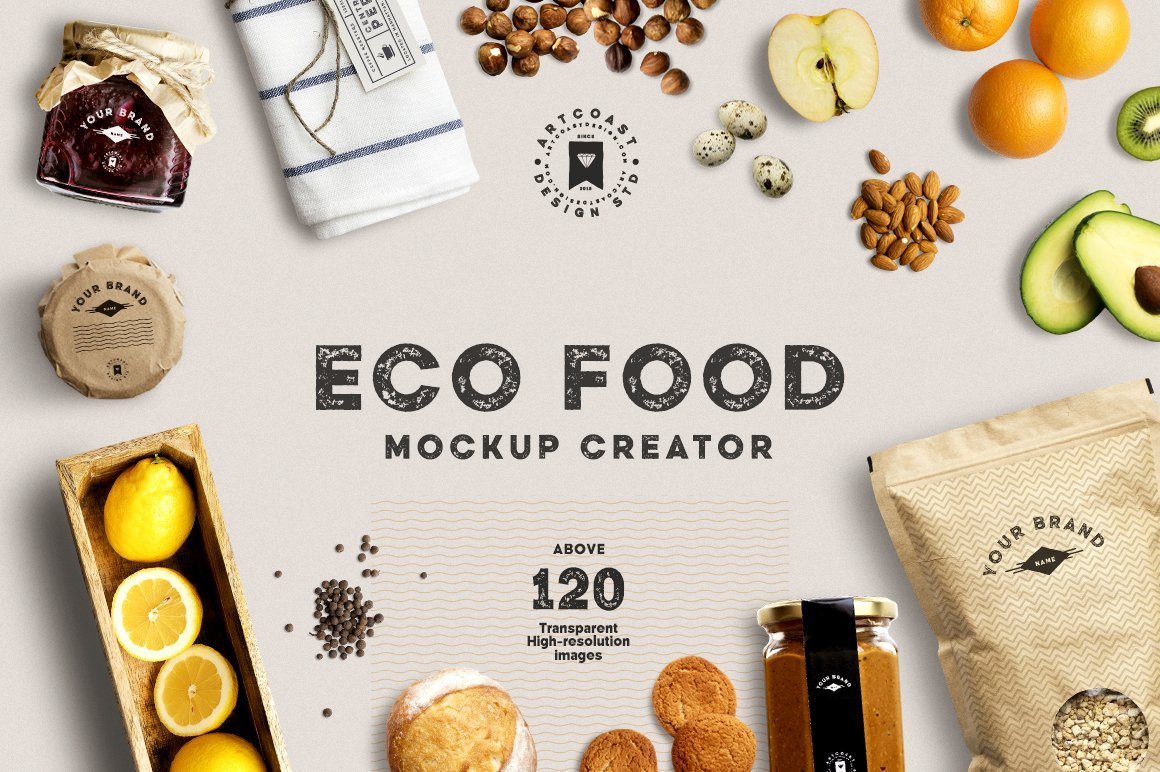
Candle labels do more than just identify your product – they tell a story, build your brand identity, and create an emotional connection with your customers.
Whether you’re designing for a small handmade candle business or launching a premium product line, our Glass Candle Label Mockups will help you present your work in the most beautiful and professional way.
Crafted from high-resolution photography, these realistic PSD mockups are perfect for showcasing your candle label designs with depth and clarity. The elegant glass jar, soft lighting, and customizable smart object layers make it easy to create stunning visuals that reflect the essence of your brand.
Why you’ll love it:
High-resolution, photo-based mockups (ideal for web, portfolio, or print use)
Realistic glass candle design – clean, minimal, and modern
Smart Object layers for fast and easy label placement
Adjustable overlays & shadows to customize the mood and feel
Perfect for branding presentations, product listings, Instagram posts, and Etsy previews
Showcase your design in its best light and impress clients, customers, or your own followers. With these mockups, your label becomes the star.
DOWNLOAD FREE DEMO SCENE.
Includes:
3 PSD file (included 4 mockups)
3 JPG (bonus)
Dimensions: 6000x4000px
DPI: 350
File Size: 500 MB
IMPORTANT: Please note that these images are photographs and so do not have editable elements. The images have editable smart layers in the blank frame placeholders only. The artwork/illustrations used in the above showcase images are not included and are for display purposes only.
Contact and Support
Create commercial graphics, documents, and products. LICENSE: COMMERCIAL
If you have any questions, you can contact us by email: hello@artcoastdesign.com