
Exciting news for all young and aspiring artists! Our app, Premium Brushes for Procreate, which already boasts an impressive collection of 3,500 unique brushes, has just gotten even better. With our latest update, we're thrilled to introduce Pixel Art Brushes—a perfect addition for those of you who love the retro, pixelated look of classic video game art.
What’s New?
We’ve added a set of carefully crafted Pixel Art Brushes, allowing you to create that nostalgic, pixel-perfect artwork directly in Procreate. Whether you want to design characters, retro-themed stickers, or vibrant backgrounds, these brushes are perfect for bringing a unique and playful vibe to your projects.
Here’s what you can expect from our new Pixel Art Brush set:
15 Pixel Art Brushes: Designed for precision and versatility, these brushes can help you craft everything from retro icons to detailed pixel scenes.
Procreate-Compatible: Each brush is tailored specifically for Procreate, ensuring smooth performance on your iPad.
Creative Freedom: Mix and match our pixel art brushes with your favorite existing ones, experiment with different textures, and explore endless possibilities for your pixel art projects.


How to Get Started
Creating pixel art in Procreate is super easy with these brushes! Here are a few tips to get the most out of your new set:
Start Small: Create a canvas size between 100x100 and 200x200 pixels for a true pixelated feel.
Use the Brushes for Detail: Whether you’re drawing a character, object, or landscape, the pixel brushes allow you to add sharp, detailed elements.
Scale It Up: After you’re done, scale your artwork up to 4000x4000 pixels to maintain that perfect retro look without losing quality.
Add Finishing Touches: Apply noise or chromatic aberration filters to give your art a cool, textured look.
Perfect for Young Artists
If you're into creating fun, engaging, and stylistically unique artwork, this new update is for you. The pixel brushes fit right into modern trends, blending retro vibes with today’s digital tools. They’re ideal for sticker designs, character illustrations, and even game art—perfect for young artists looking to stand out on social media or create their own brand of digital art.
This update is just one of many ways we’re continuing to evolve Premium Brushes for Procreate. We want to provide you with the best tools to unleash your creativity and take your art to the next level.
Stay Creative!
Download the latest version of Premium Brushes for Procreate and dive into the world of pixel art. And don’t forget to share your creations with us on social media—we can’t wait to see what you make!
Happy drawing!
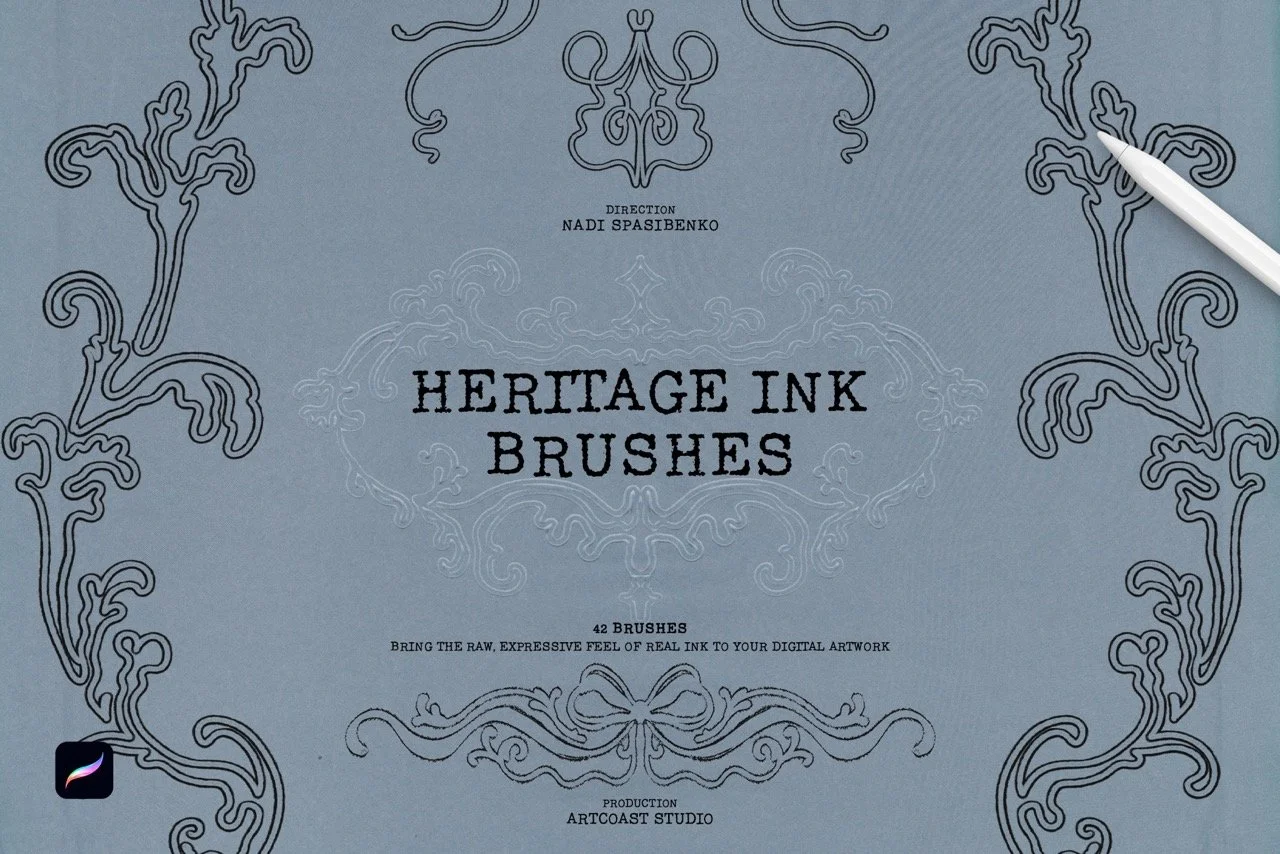
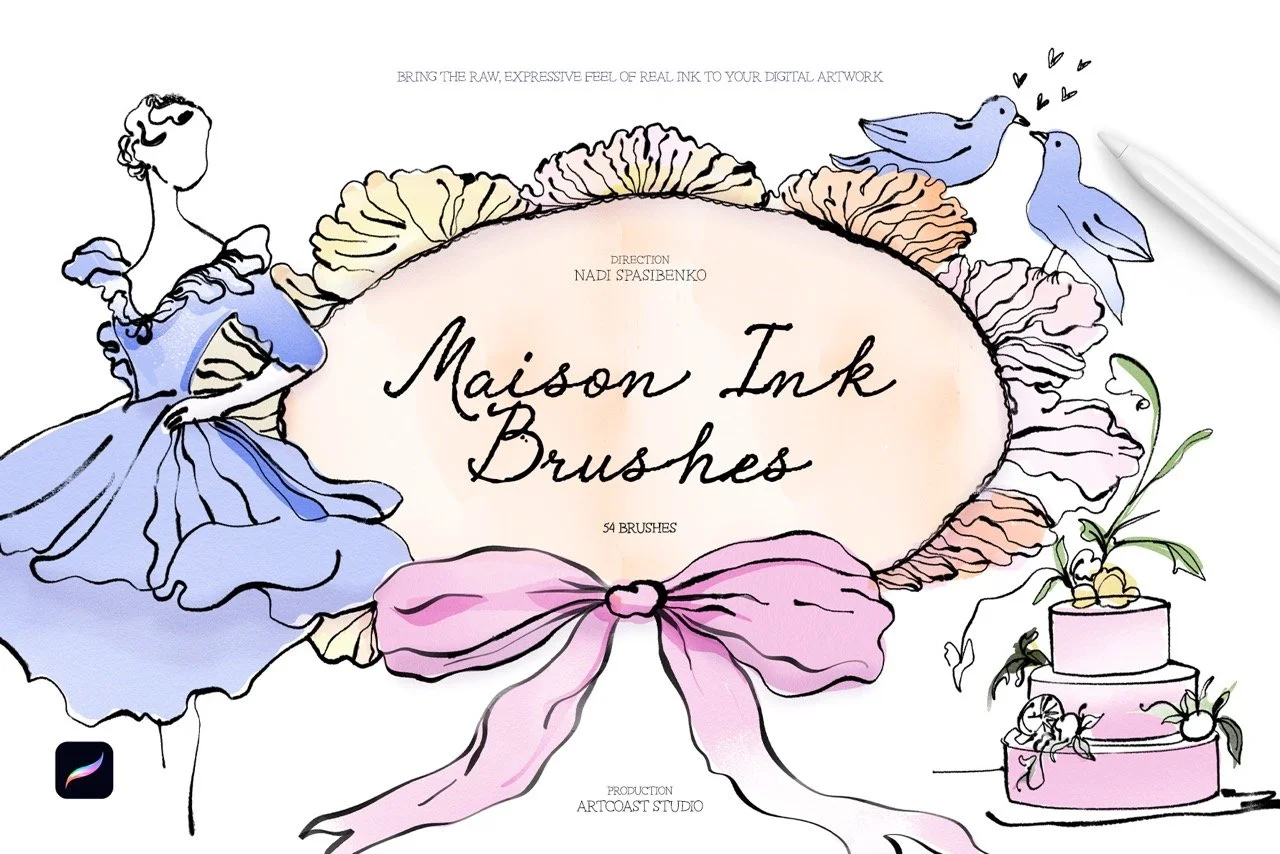
Bring the charm of classic inking to your digital canvas. This collection of 48 Procreate brushes is built for a nostalgic, vintage look, from crisp comic-style linework to worn, smudged textures that feel like ink on old paper. It works for hobbyists exploring retro styles and for professional illustrators who need dependable tools.
What’s inside
Fine Liners: precise brushes for detailed linework and delicate texture
Bold Strokes: thick, confident lines for strong, dynamic illustrations
Retro Smudge: smeared-ink effects for a classic, well-worn feel
Distressed Strokes: rough, uneven textures that recreate vintage printing and inking
Ink Splatters: realistic splashes and drips for expressive, energetic accents
Wash Effects: soft brushes for retro gradients, shading and depth
Why artists love it
Authentic texture: every brush reproduces the grain and imperfections of real ink
Responsive control: tuned for Procreate, with pressure and tilt sensitivity for natural strokes
One complete toolkit: covers comics, posters, editorial art, tattoo flash and vintage-inspired lettering
Fast workflow: works for both quick sketches and polished final pieces
Give your artwork timeless character with the Retro Ink Collection.
Compatibility
Procreate 5.2 or later (iPad with A12 chip or newer)
Licensing
Commercial License: use brushes to create and sell prints, illustrations, mock-ups, client work, or digital downloads (license unlocks at checkout).
Support & Updates
Questions? Email hello@artcoastdesign.com — we reply within 24 hours. Lifetime file updates are included with every license.