
It's easy to get creative when it comes to showcasing your logo or branding. You can use a large collection of mockups to present your logo or branding in a stylish and beautiful way. In this blog post, we will explore the different ways you can use mockups to showcase your logo or brand.
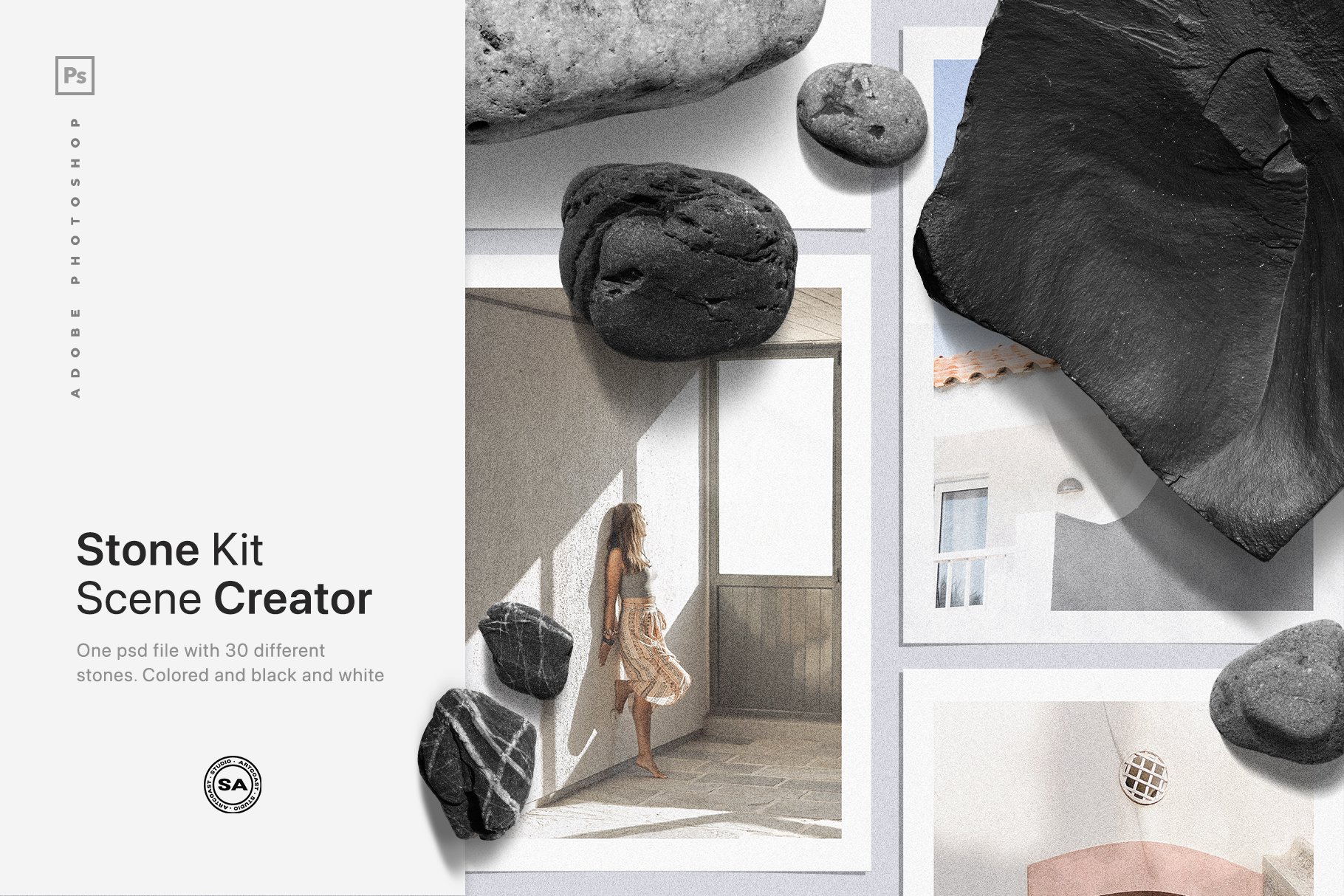
Mockups for Every Occasion
When it comes to presenting your logo or branding in an attractive and professional way, mockups are the perfect choice. In Artcoast there is a wide variety of mockups available, from various paper sizes to framed art prints and more. Depending on the type of look you want to achieve, you can choose from a range of options. For example, if you want a classic look you might opt for a framed art print mockup while if you’re looking for something more modern and minimalistic you might go with a simple paper size mockup.
Customization Options
Mockups offer many customization options that allow you to tailor the design to fit your needs perfectly. With most mockup designs, you can adjust color schemes, backgrounds, fonts, and other design elements so that your logo or branding looks exactly as desired. This makes it easy for designers to create unique logos and brands that accurately represent their vision without any hassle.
High Quality Outputs
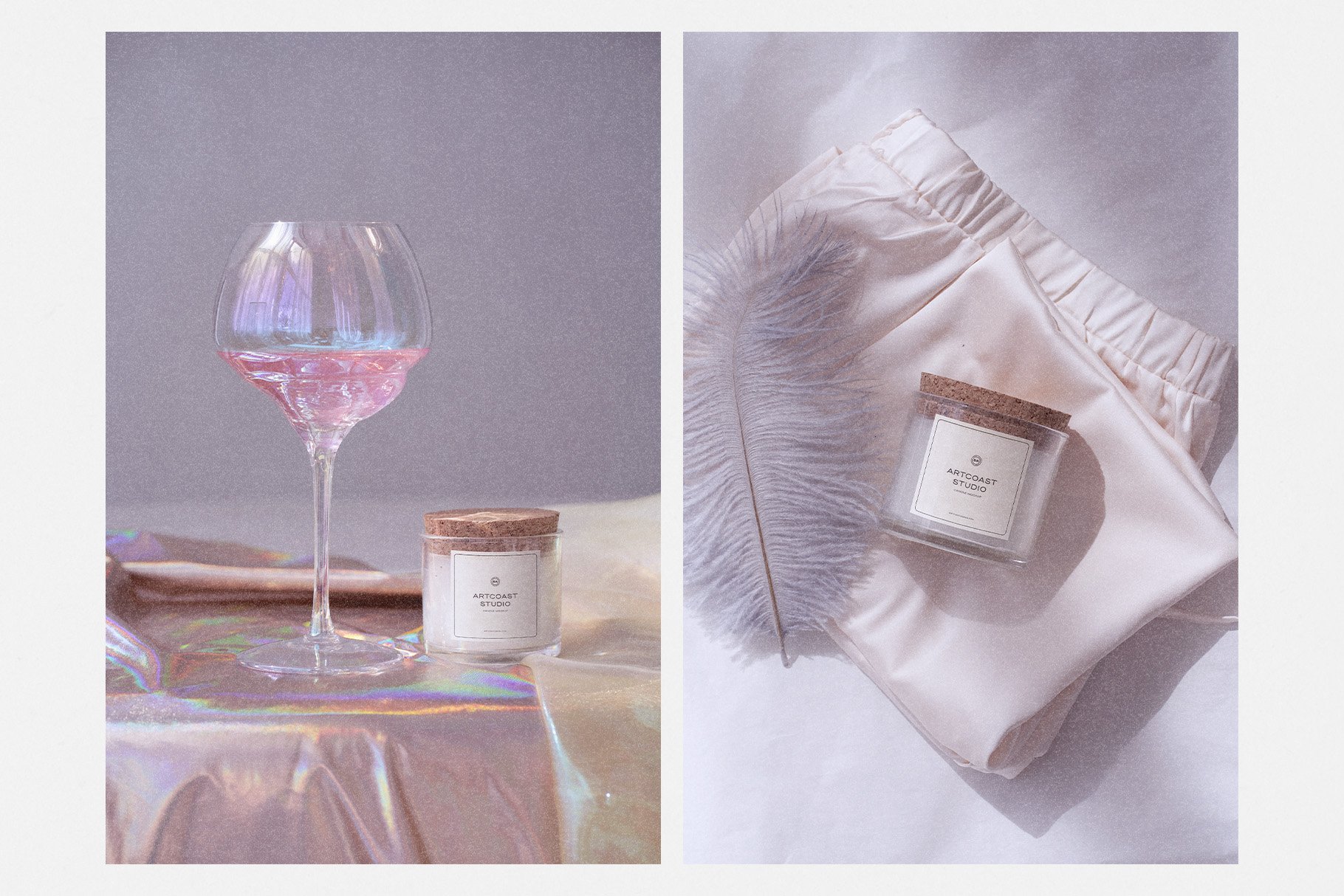
One of the great things about using mockups is that they produce high quality outputs that look professional and polished every time. This ensures that customers will be impressed by how well-made your logo or brand looks when presented via one of these designs.
Using mockups is an excellent way to showcase your logo or branding in an attractive manner without spending hours designing something from scratch yourself. With so many customizable options available, it's never been easier for designers to create stunning visuals that accurately represent their vision perfectly every time.
On our site you can download free mockups.
Related Goods:

Elevate your designs with the Sunset Shadow Mockup Scene Creator, a photo-based mockup tool that adds a warm, natural ambiance to your projects. Featuring realistic stationery mockups with sunlight and botanical shadows, this scene creator is perfect for showcasing branding, invitations, posters, and more with an organic, aesthetic touch.
Why Choose This Mockup Scene Creator?
Photorealistic Shadows & Lighting – Captures the warmth of golden hour and natural shadow effects
Smart Objects for Easy Editing – Quickly insert your designs with a few clicks
Organized Layers – Seamlessly adjust elements for a customized look
Perfect for Branding & Social Media – Ideal for online shops, portfolios, and promotional visuals
Create Stunning, Natural-Looking Mockups
Designed for effortless customization, this mockup set allows you to showcase designs in a high-quality, professional manner. Whether you’re crafting visuals for Instagram, Etsy, Pinterest, or your website, these mockups will give your projects a modern, sunlit aesthetic.
Bring the beauty of sunset shadows to your work and enhance your designs with natural elegance. Download now and create captivating mockups with ease!
Includes:
1 PSD file
PDF instructions file
Details:
Smart object layers (simply double click layer, place design, and save)
5 paper options, listed below (with ability to duplicate, scale, and rearrange)
15 shadow overlay options (with ability to adjust intensity)
7 colors background
4 Tapes
300 DPI
5000x3333 px
Included Paper Sizes:
8.5 x 11"
4 x 9"
A4 (210 x 297 mm)
A5 Vertical (148 x 210 mm)
A5 Horizontal (210 x 148 mm)
Please Note:
You would need Adobe Photoshop for PC or Mac to use this mock-up.
Editable text and photographs featured in the design previews are not included in the download.
After purchase, please refer to the Instructions file for steps, tips, and notes for using the kit.
Contact and Support
Create commercial graphics, documents, and products. LICENSE: COMMERCIAL
If you have any questions, you can contact us by email: hello@artcoastdesign.com