
Let’s be real for a moment. At Artcoast Design, we love the "real" stuff. We love the texture of paper, the smell of graphite, and the imperfections of a handwritten letter. We believe that human soul is the most important ingredient in art.
But we also believe in evolution.

Thirty years ago, when Photoshop first appeared, traditional painters were terrified. They thought digital art was "cheating." Today? Photoshop is an industry standard. It didn't kill art; it just gave us new tools to create faster.
In 2026, we are at the exact same turning point with Midjourney.
It’s Not a Replacement. It’s an Assistant.
The biggest misconception about AI is that it’s here to do the work for you. It’s not. It’s here to do the work with you.
Think of Midjourney not as a "robot artist," but as a super-fast concept artist sitting next to you. It never sleeps, it knows every art style in history, and it can generate 4 variations of an idea in 60 seconds.
If you are a professional, ignoring this tool is like refusing to use a computer because typewriters "feel better."
3 Ways Pros Are Using Midjourney (That Aren't "Cheating")
So, where does this actually fit into your workflow? Here is how designers are using our All-in-One Guide to speed up their process:
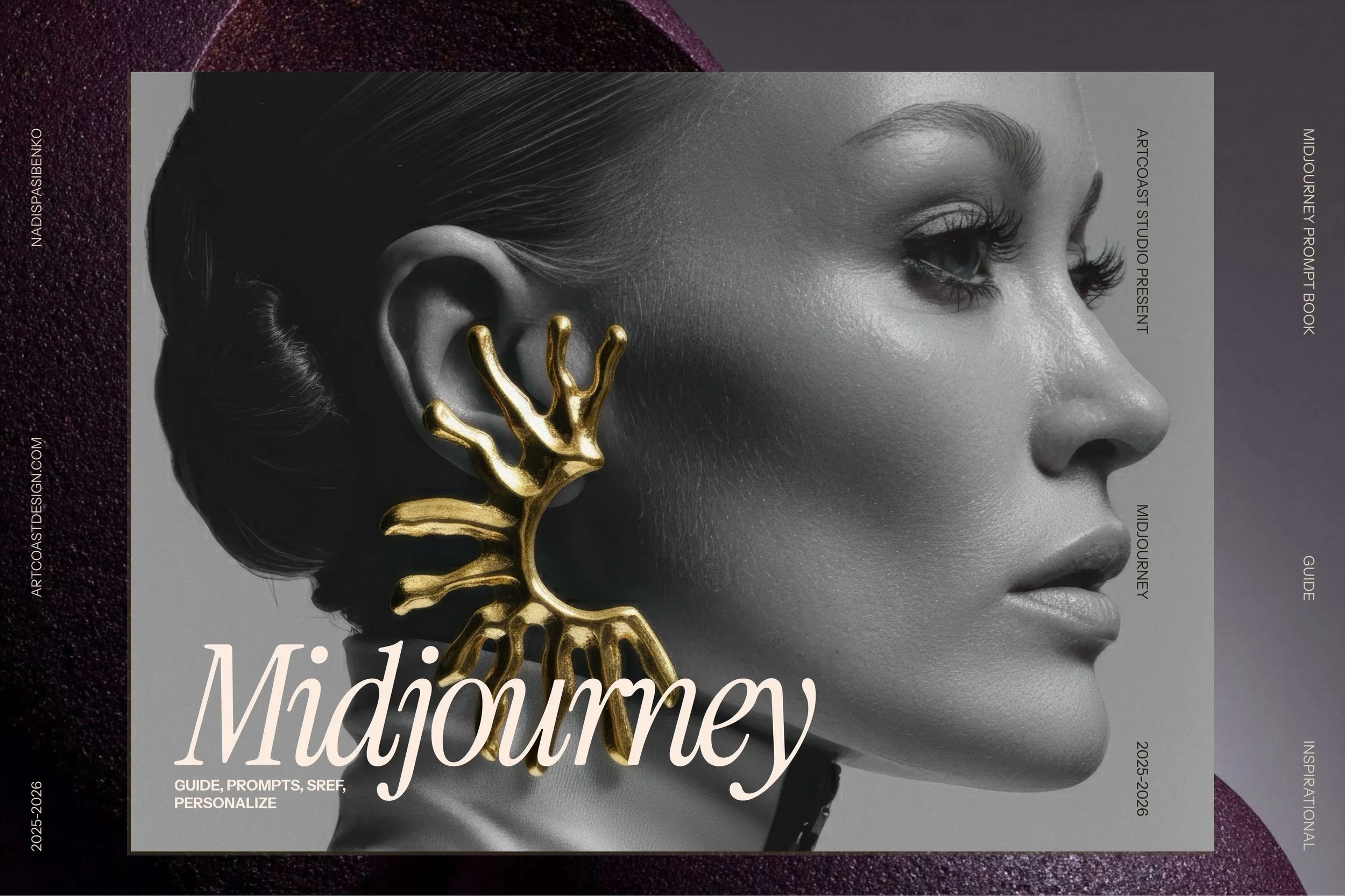
The Midjourney V7 Master Guide: Create Stunning AI Art & Visual Systems
1. The Ultimate Moodboard Machine
Stop spending hours scrolling through Pinterest looking for "a girl in a neon city wearing a cyber-jacket." Just ask Midjourney. You can generate the exact lighting, color palette, and composition you have in your head. Use these images as references for your own illustrations or photo shoots. It bridges the gap between your brain and your canvas.
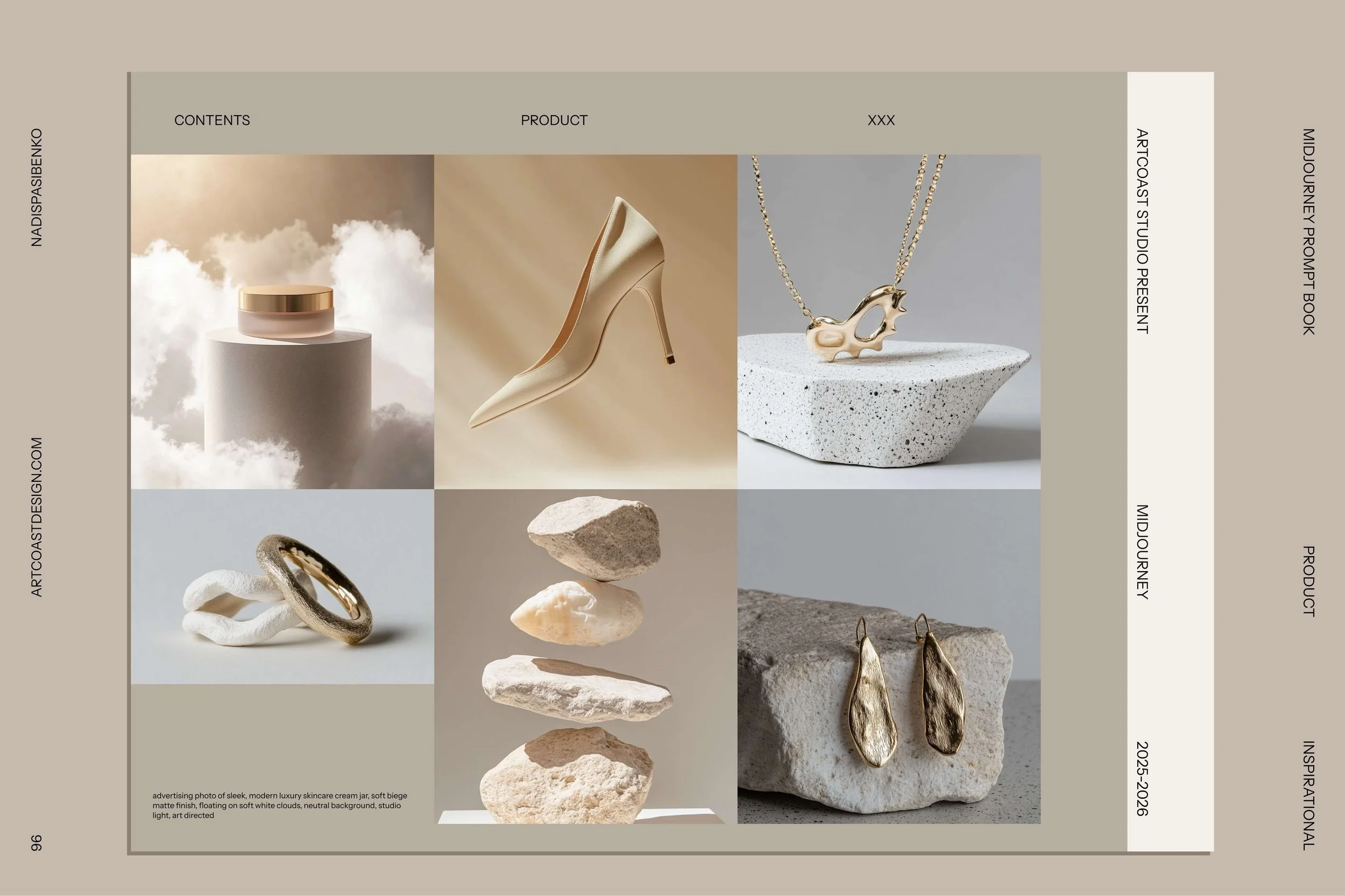
The Midjourney V7 Master Guide: Create Stunning AI Art & Visual Systems
2. "Bashing" and Overpainting
This is huge for concept artists. Generate a base image in Midjourney—maybe a complex background or a texture—then take it into Procreate or Photoshop and paint over it. You save 5 hours on rendering the background, so you can spend 5 hours making the main character perfect. It’s about efficiency.
3. Mockups and Storyboards
Need to show a client how their logo would look on a coffee cup in a rainy Paris cafe? You don't need to fly to Paris. You don't need to buy a stock photo. You can generate a photorealistic mockup in minutes, place your logo on it, and wow the client.
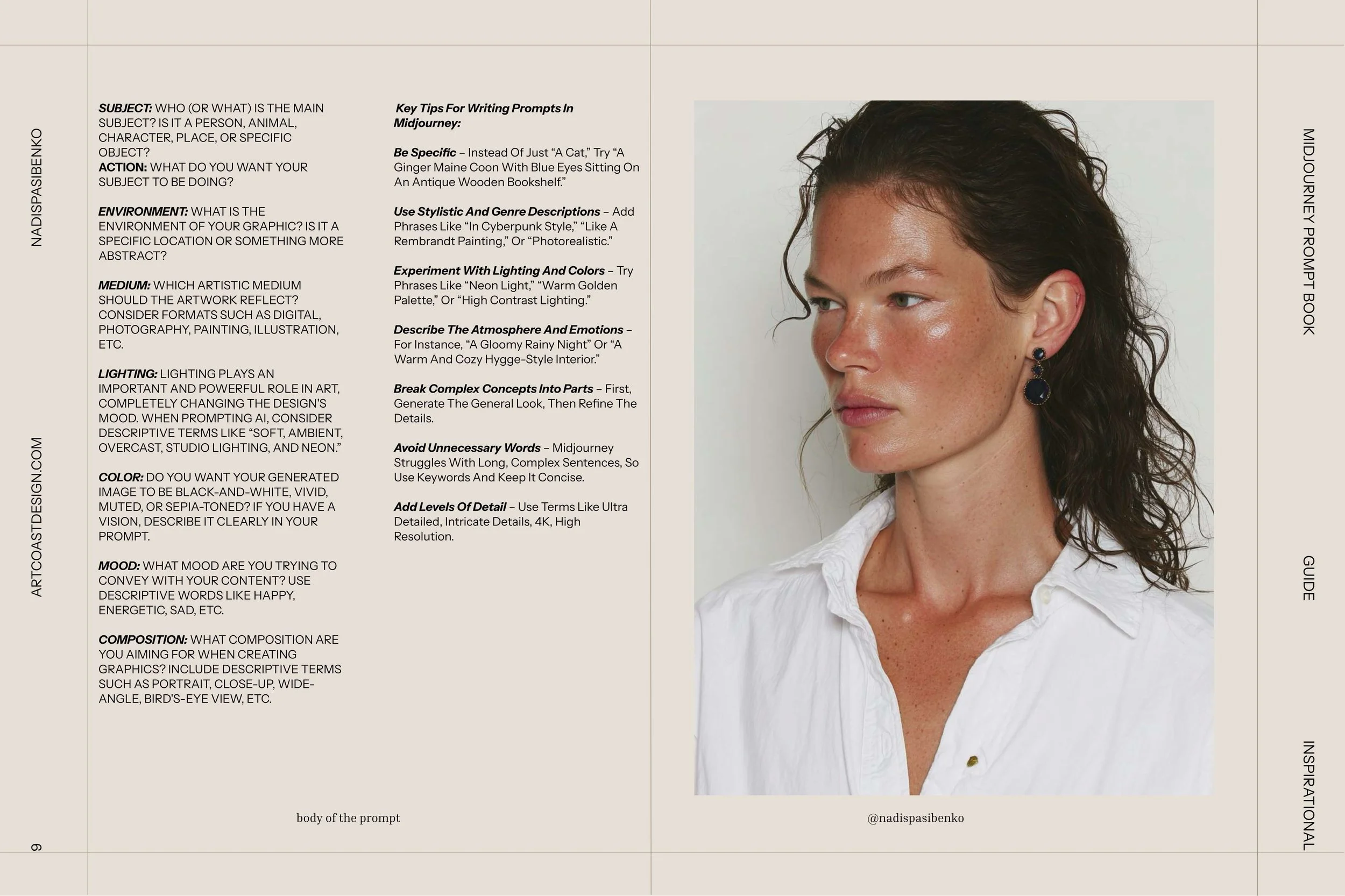
The Midjourney V7 Master Guide: Create Stunning AI Art & Visual Systems
What Will You Actually Learn?
Using Midjourney is easy. Mastering it is hard. Most people just type "cat" and hope for the best. That’s not a skill.
Our Midjourney All-in-One Guide turns you from a "slot machine player" into a Director. You will learn:
The Language of Light: How to ask for "Cinematic Haze" or "Rembrandt Lighting."
Camera Control: How to simulate specific lenses (like 35mm vs 85mm).
Style Syntax: How to blend the style of Wes Anderson with Cyberpunk without it looking messy.
Welcome to the New Stage
We are entering a hybrid era. The best work of 2026 won't be "AI Art" and it won't be purely "Manual Art." It will be a mix. It will be created by humans who have the taste and vision, but who use AI to get there faster.
Don't be afraid of the future. Learn to speak its language.
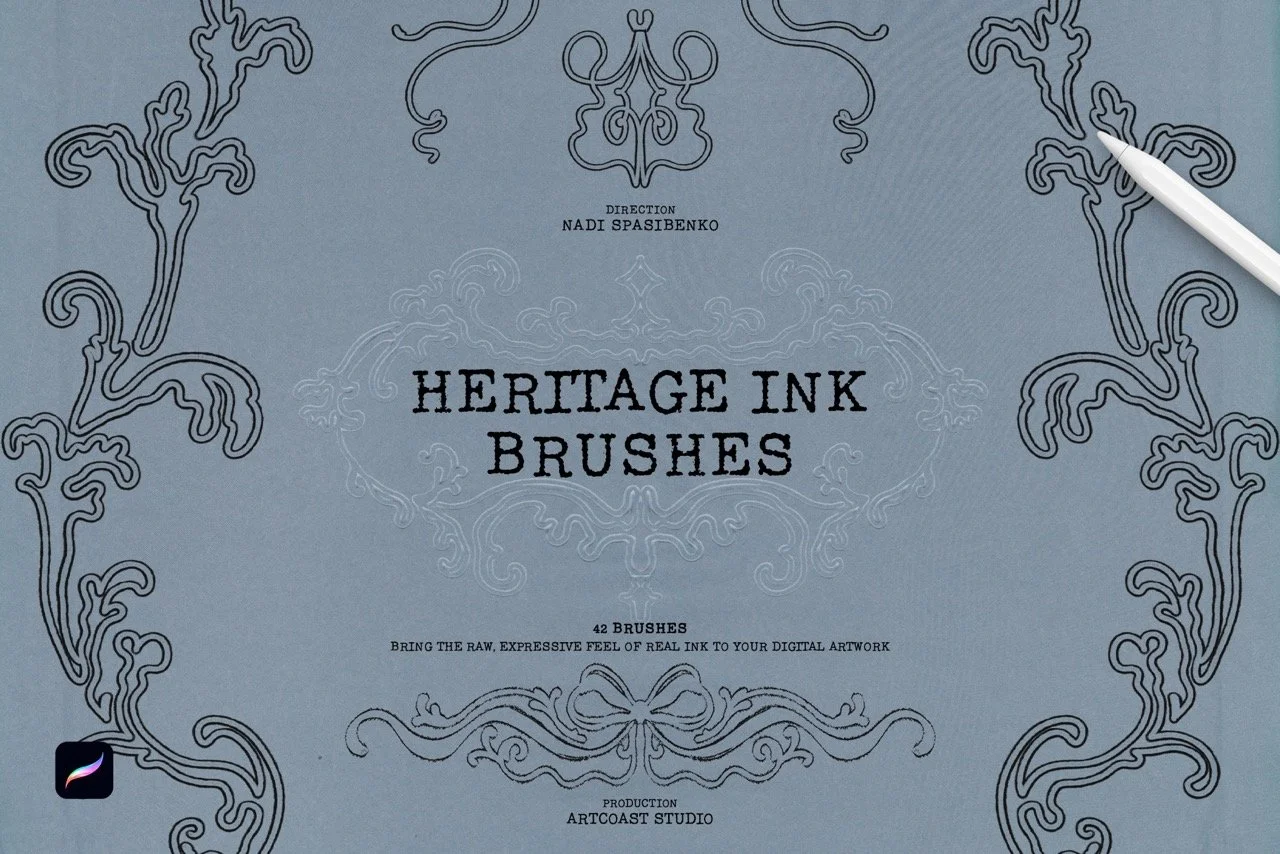
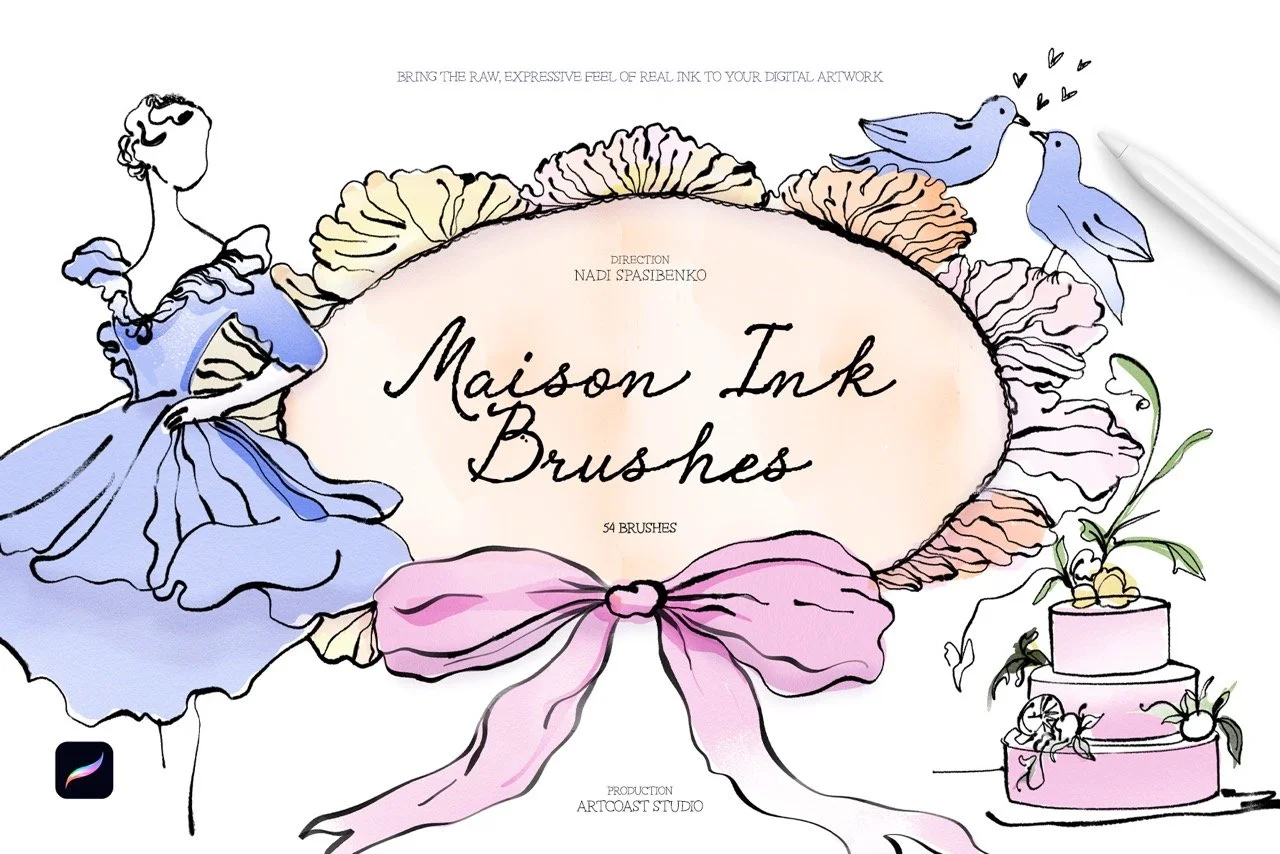
Bring the charm of classic inking to your digital canvas. This collection of 48 Procreate brushes is built for a nostalgic, vintage look, from crisp comic-style linework to worn, smudged textures that feel like ink on old paper. It works for hobbyists exploring retro styles and for professional illustrators who need dependable tools.
What’s inside
Fine Liners: precise brushes for detailed linework and delicate texture
Bold Strokes: thick, confident lines for strong, dynamic illustrations
Retro Smudge: smeared-ink effects for a classic, well-worn feel
Distressed Strokes: rough, uneven textures that recreate vintage printing and inking
Ink Splatters: realistic splashes and drips for expressive, energetic accents
Wash Effects: soft brushes for retro gradients, shading and depth
Why artists love it
Authentic texture: every brush reproduces the grain and imperfections of real ink
Responsive control: tuned for Procreate, with pressure and tilt sensitivity for natural strokes
One complete toolkit: covers comics, posters, editorial art, tattoo flash and vintage-inspired lettering
Fast workflow: works for both quick sketches and polished final pieces
Give your artwork timeless character with the Retro Ink Collection.
Compatibility
Procreate 5.2 or later (iPad with A12 chip or newer)
Licensing
Commercial License: use brushes to create and sell prints, illustrations, mock-ups, client work, or digital downloads (license unlocks at checkout).
Support & Updates
Questions? Email hello@artcoastdesign.com — we reply within 24 hours. Lifetime file updates are included with every license.