
Have you ever spent an hour drawing a quote on your iPad, only to zoom out and realize... something is wrong? Maybe the word "Hello" is huge, but "World" is tiny. Maybe the whole sentence is tilting to the right. Or maybe the spacing just feels awkward.
You try to fix it with the Liquify tool, but it just makes it worse.
Here is the hard truth: Great lettering isn't about beautiful curves. It’s about boring structure. Before a professional artist draws a single decorative swash, they spend 20 minutes drawing lines, measuring heights, and building a "skeleton" for their words.
But let’s be honest—nobody wants to spend 20 minutes drawing ruler lines on a digital canvas. That kills the creative flow.
The "Cheat Code" for Perfect Composition
We realized that the hardest part of lettering isn't the drawing—it’s the layout. So we solved it.
Meet the Procreate Lettering Grids Set. Think of these not as brushes, but as digital foundations. Instead of staring at a blank white screen and guessing where the center is, you just tap the screen once, and boom—you have a professional layout ready to go.
How It Changes Your Workflow:
1. Stop Drawing Crooked Lines
The set includes diverse grid shapes—from standard horizontal lines to complex arches, waves, and banners. You stamp the grid, lower the opacity, and draw your letters inside the boxes. It’s like bowling with bumpers. You literally cannot go off-track.
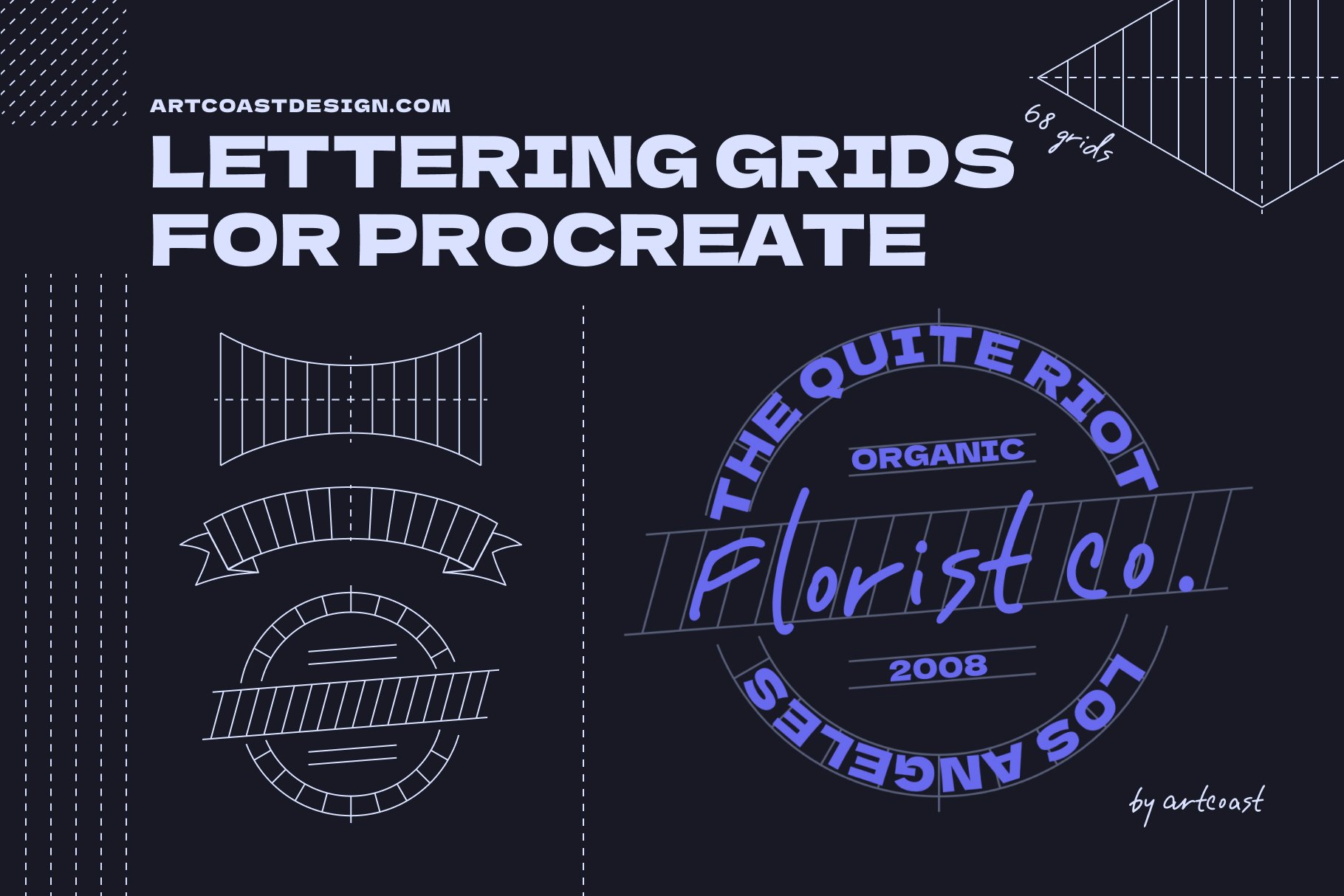
Professional Procreate Lettering Grids Set
2. Master "bouncy" and "Warped" Styles
Have you seen those cool vintage designs where the text fits into a flag or a diamond shape? Drawing that perspective manually is a nightmare of geometry. With our grids, you just pick the "Diamond Shape" stamp, and fill it in. The grid forces your letters into the right perspective automatically.
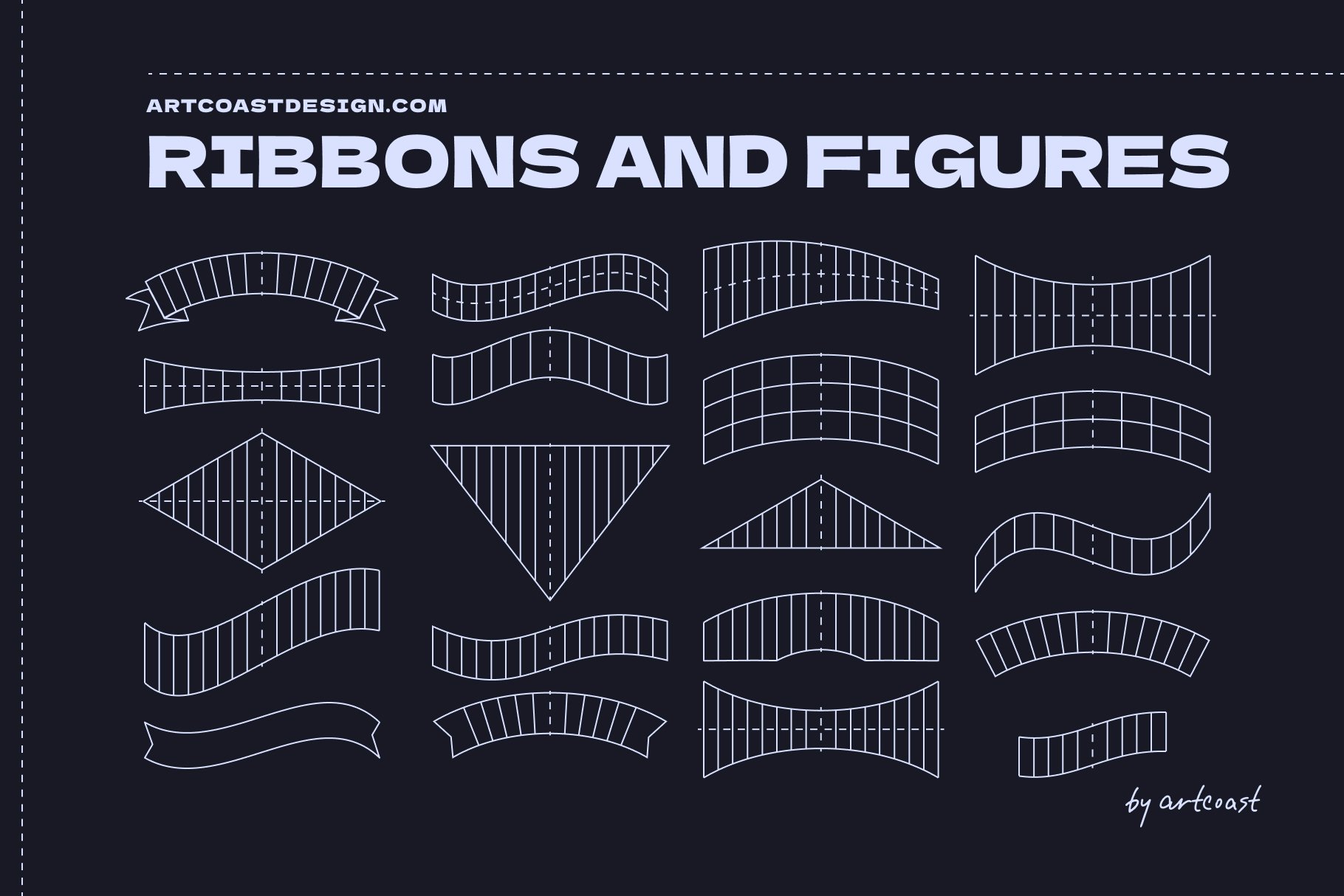
Professional Procreate Lettering Grids Set
3. It’s a Time Machine
If you do client work (logos, t-shirt designs, posters), speed is money. Creating a layout from scratch takes 15-30 minutes. Stamping a grid takes 2 seconds. You can show a client 5 different layout options in the time it usually takes to sketch one.
From Blank Canvas to Masterpiece in 3 Steps
Pick a Grid: Choose a simple baseline or a complex shape (like a circle or heart). Stamp it on a new layer.
Sketch: Choose a rough pencil brush and sketch your letters following the guidelines. Don't worry about details yet; just fill the space.
Ink: Create a new layer on top and draw your final clean lines. Delete the grid layer.
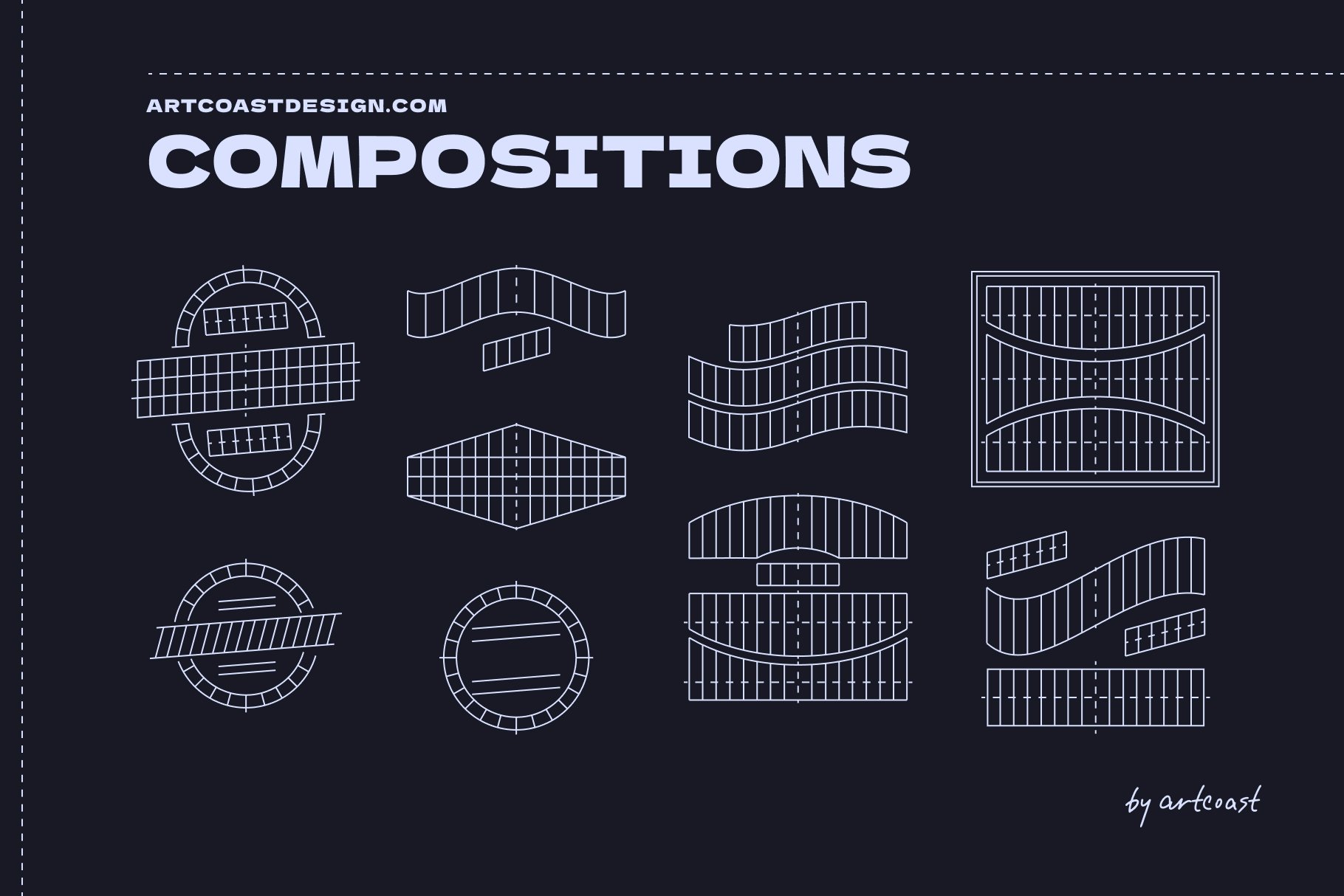
Professional Procreate Lettering Grids Set
Result: A perfectly balanced, professional typographic composition that looks like it took hours to measure out.
You don't need "steadier hands" to get better at lettering. You just need a better map. Stop fighting the blank canvas. Give your letters a skeleton, and watch your style improve overnight.
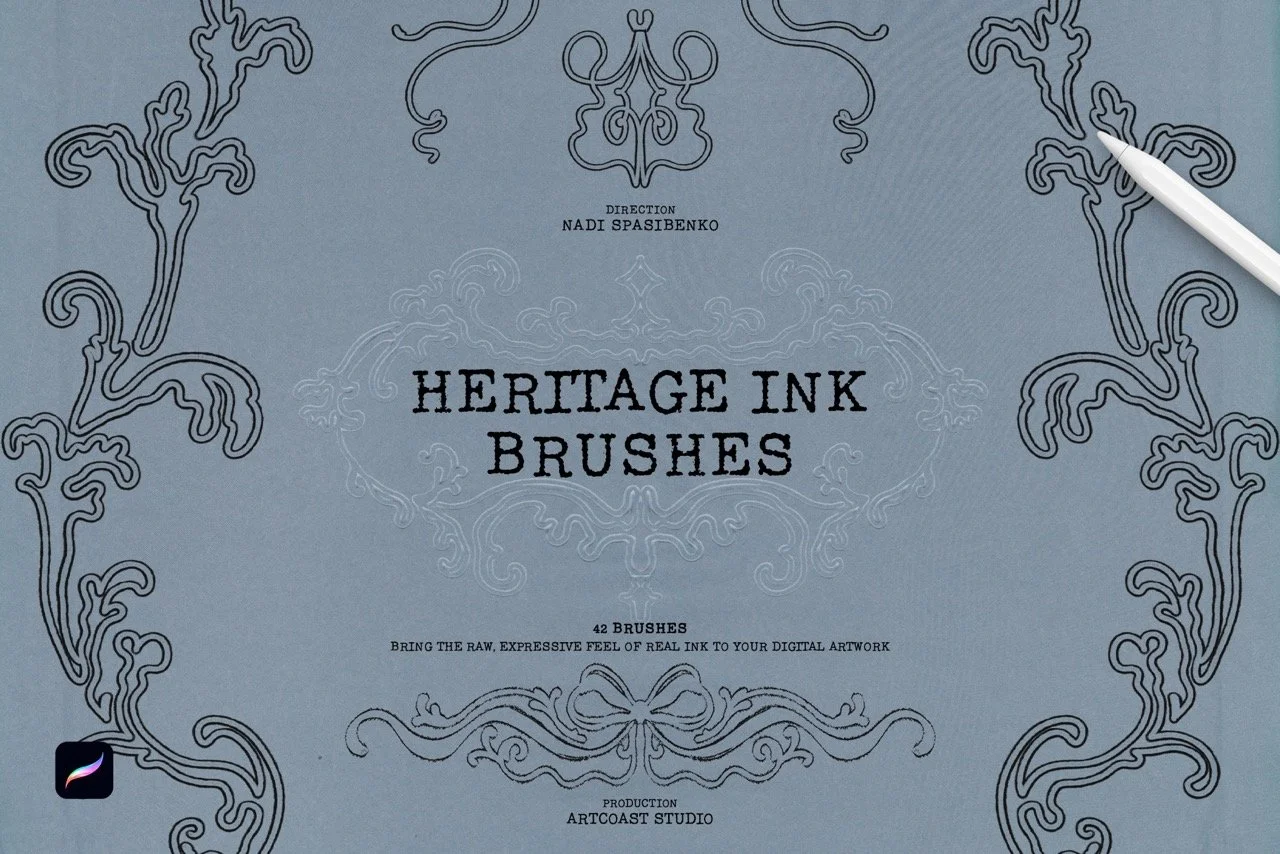
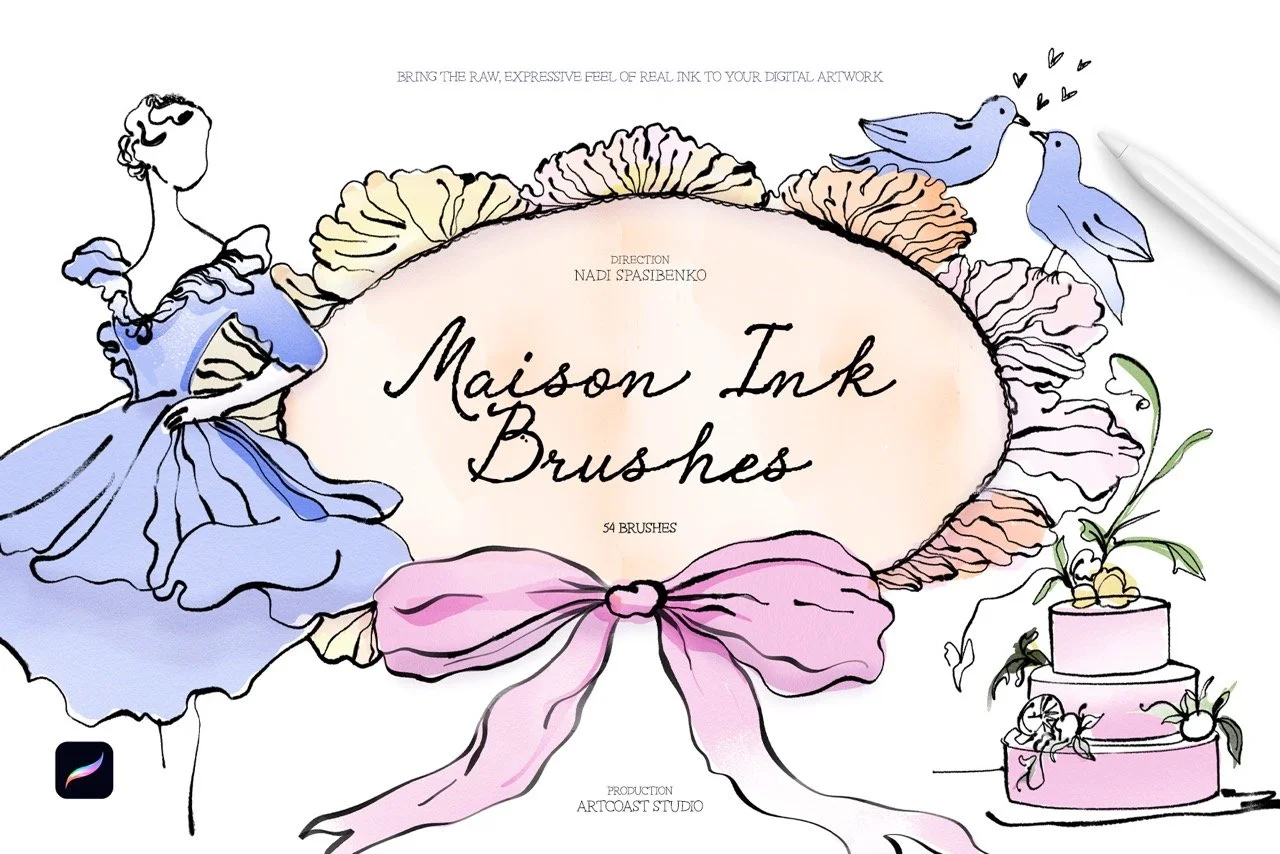
Bring the charm of classic inking to your digital canvas. This collection of 48 Procreate brushes is built for a nostalgic, vintage look, from crisp comic-style linework to worn, smudged textures that feel like ink on old paper. It works for hobbyists exploring retro styles and for professional illustrators who need dependable tools.
What’s inside
Fine Liners: precise brushes for detailed linework and delicate texture
Bold Strokes: thick, confident lines for strong, dynamic illustrations
Retro Smudge: smeared-ink effects for a classic, well-worn feel
Distressed Strokes: rough, uneven textures that recreate vintage printing and inking
Ink Splatters: realistic splashes and drips for expressive, energetic accents
Wash Effects: soft brushes for retro gradients, shading and depth
Why artists love it
Authentic texture: every brush reproduces the grain and imperfections of real ink
Responsive control: tuned for Procreate, with pressure and tilt sensitivity for natural strokes
One complete toolkit: covers comics, posters, editorial art, tattoo flash and vintage-inspired lettering
Fast workflow: works for both quick sketches and polished final pieces
Give your artwork timeless character with the Retro Ink Collection.
Compatibility
Procreate 5.2 or later (iPad with A12 chip or newer)
Licensing
Commercial License: use brushes to create and sell prints, illustrations, mock-ups, client work, or digital downloads (license unlocks at checkout).
Support & Updates
Questions? Email hello@artcoastdesign.com — we reply within 24 hours. Lifetime file updates are included with every license.