
Just Bought an iPad? Here is Why Procreate is the Only App You Need
So, you finally did it. You unboxed the iPad, peeled off the plastic, and clicked the Apple Pencil onto the side. It feels magical.
But now comes the big question: What do I actually do with it?
If you want to draw, sketch, or design, there is really only one answer. You don't need a subscription to Adobe Photoshop yet. You need Procreate.
Why Procreate is the King of iPad Art
For years, Procreate has been the undisputed "must-have" app for creatives. Whether you are a professional illustrator or someone who just wants to doodle on the couch, it strikes the perfect balance:
Intuitive Interface: It gets out of your way. No cluttered menus—just you and the canvas.
Power: It runs on the same engine as high-end desktop software.
Price: No monthly subscription. You pay once, and you own it forever.
However, there is one secret that separates the "ok" users from the pros.

Procreate Brushes for iPad
The Secret: It’s All About the Brushes
When you first open Procreate, the default brushes are... fine. They work. But they look "digital." If you want your art to look like real oil painting, gritty charcoal, or professional manga, you need custom tools.
This is where the magic happens. By installing professional brushes, you turn your iPad into an infinite art studio.
Essential Brush Sets for New Users
If you are just starting, don't overwhelm yourself. Start with high-quality basics from the Artcoast shop:
For the Sketch Artist: If you miss the feel of pencil on paper, grab the Procreate Pencil Sketch Brushes. They have that perfect graininess that makes sketching feel authentic.
For the Painter: Want to relax? Realistic Oil Pastel Brushes are incredibly satisfying to blend.
For the Illustrator: Need clean, sharp lines for comics or stickers? The Ultimate Ink Brush Set is the industry standard.
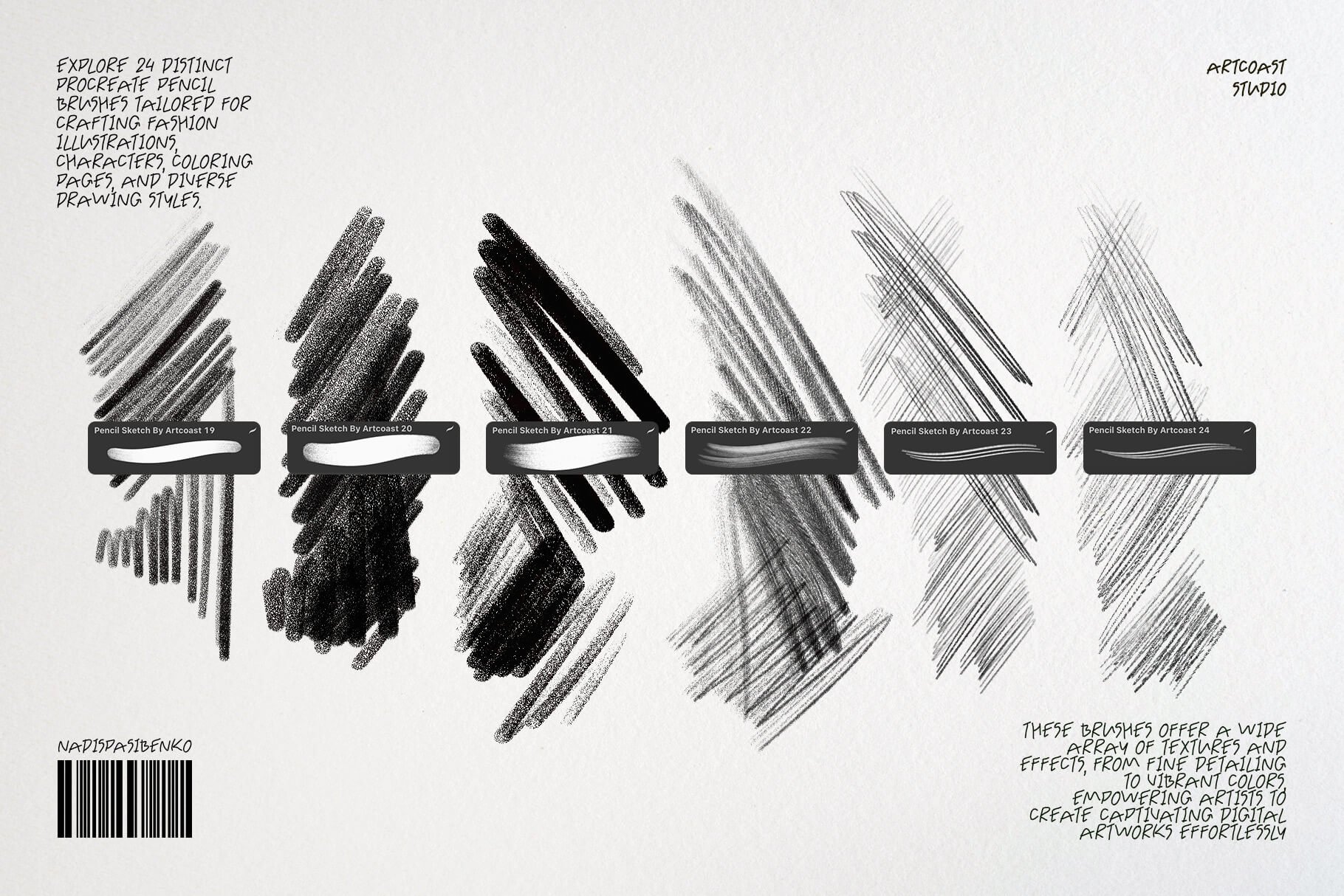
Procreate Pencil Sketch Brushes
Want More? Get the Ultimate Brush Library App
If you are the type of person who wants everything at your fingertips, we have a hack for you.
Instead of hunting for brushes one by one, you should check out the Art Brushes for iPad app. It’s a dedicated application that acts as a massive library for Procreate resources.
Why you need this app:
Huge Collection: Access thousands of brushes, stamps, and textures in one place.
One-Click Install: No messing around with zip files. You find a brush you like, click "Open in Procreate," and you are ready to draw.
Always Fresh: New collections are added constantly, from watercolor to 3D effects.
It is the perfect companion app to make your Procreate experience limitless.
👉 Download "Art Brushes for iPad" on the App Store
Your iPad is a powerhouse, but Procreate is the key that unlocks it. Start with the app, upgrade your toolkit with professional Artcoast brushes, and download the library to keep your inspiration flowing.
Happy creating!
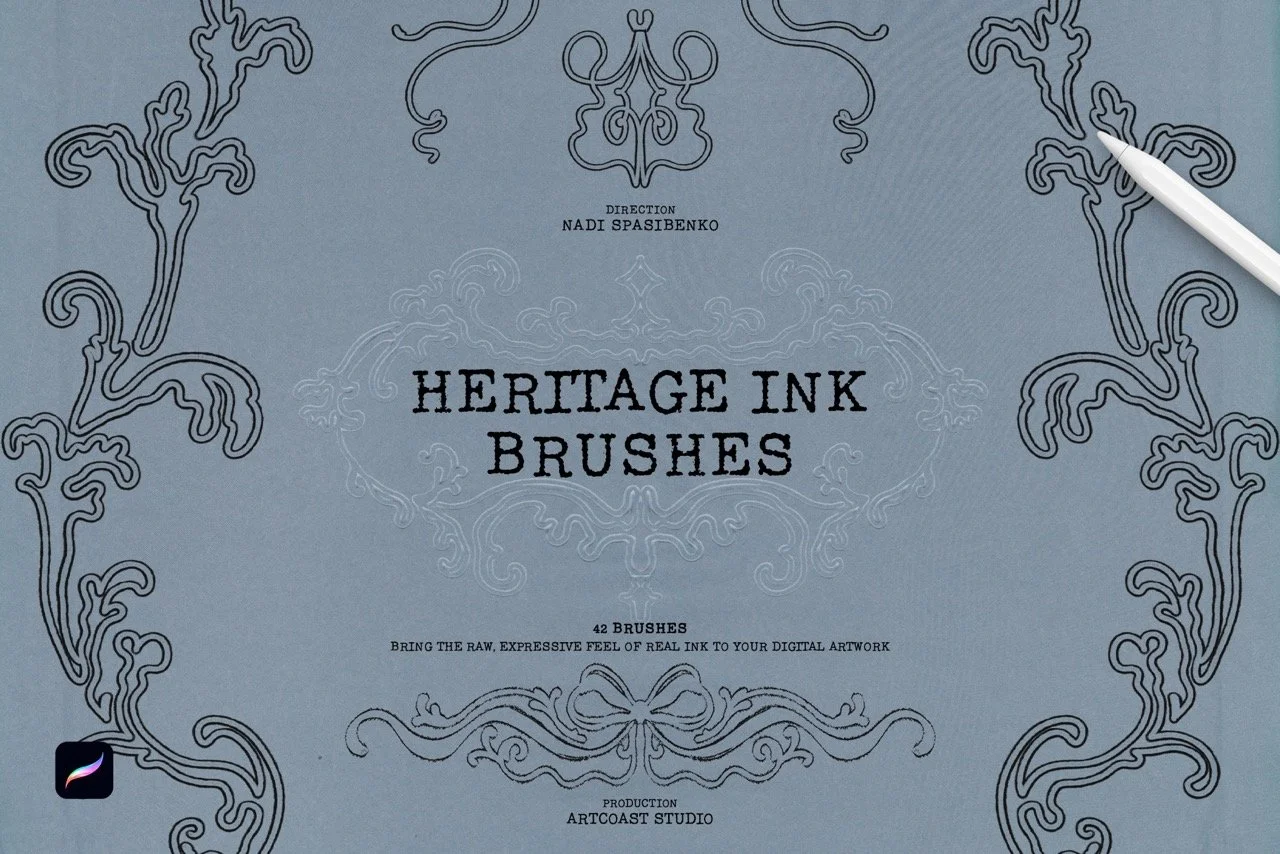
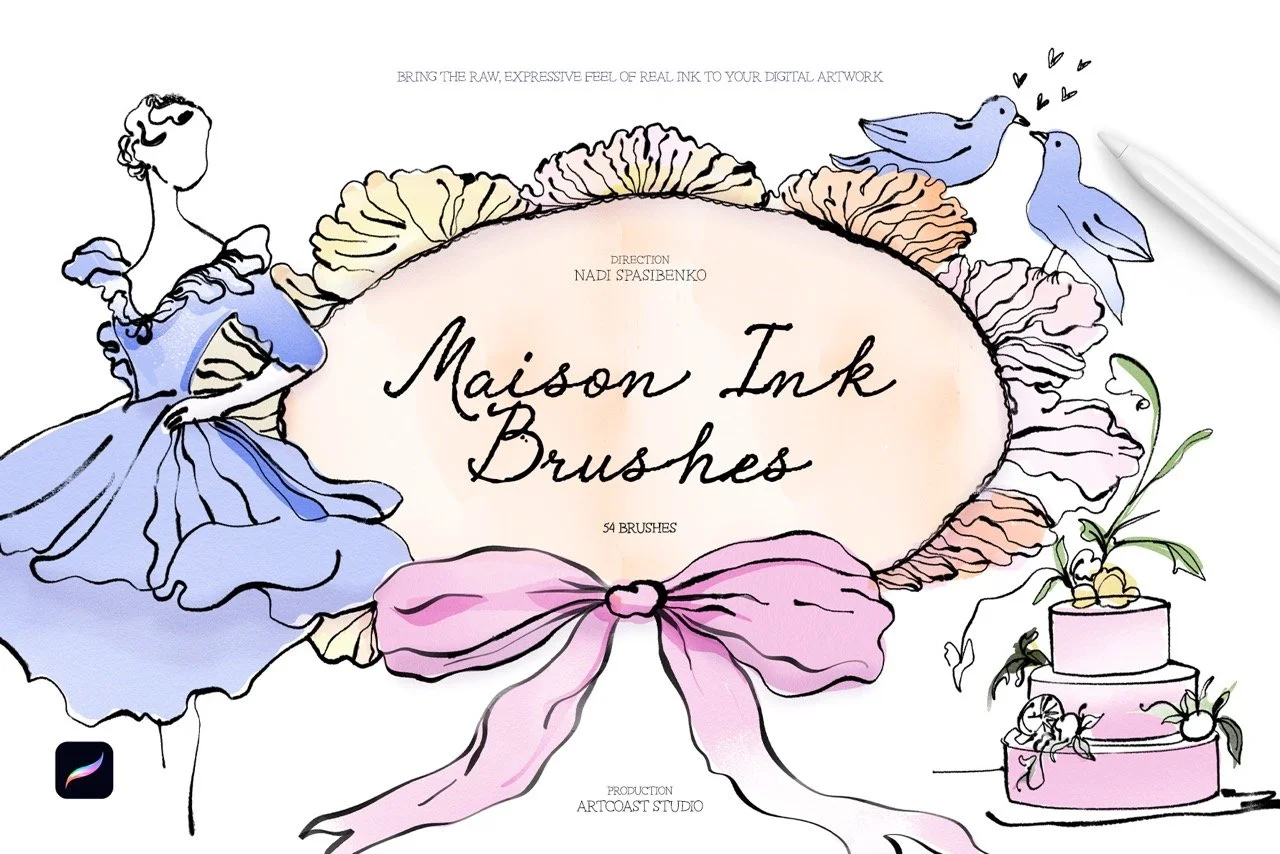
Bring the charm of classic inking to your digital canvas. This collection of 48 Procreate brushes is built for a nostalgic, vintage look, from crisp comic-style linework to worn, smudged textures that feel like ink on old paper. It works for hobbyists exploring retro styles and for professional illustrators who need dependable tools.
What’s inside
Fine Liners: precise brushes for detailed linework and delicate texture
Bold Strokes: thick, confident lines for strong, dynamic illustrations
Retro Smudge: smeared-ink effects for a classic, well-worn feel
Distressed Strokes: rough, uneven textures that recreate vintage printing and inking
Ink Splatters: realistic splashes and drips for expressive, energetic accents
Wash Effects: soft brushes for retro gradients, shading and depth
Why artists love it
Authentic texture: every brush reproduces the grain and imperfections of real ink
Responsive control: tuned for Procreate, with pressure and tilt sensitivity for natural strokes
One complete toolkit: covers comics, posters, editorial art, tattoo flash and vintage-inspired lettering
Fast workflow: works for both quick sketches and polished final pieces
Give your artwork timeless character with the Retro Ink Collection.
Compatibility
Procreate 5.2 or later (iPad with A12 chip or newer)
Licensing
Commercial License: use brushes to create and sell prints, illustrations, mock-ups, client work, or digital downloads (license unlocks at checkout).
Support & Updates
Questions? Email hello@artcoastdesign.com — we reply within 24 hours. Lifetime file updates are included with every license.