We have all been there. You type "cat in space," hit enter, and get... something okay. But it’s not great. It doesn't look like the stunning, cinematic images you see on X (Twitter) or ArtStation.
Why? Because you are treating Midjourney like a slot machine, hoping for a lucky spin. Pros treat Midjourney like a camera.
The difference between an amateur and a pro isn't "creativity." It’s Vocabulary. To get professional results in 2026, you need to stop guessing and start speaking the AI's language. Here are the 3 pillars of prompting that we cover in our All-in-One Guide.
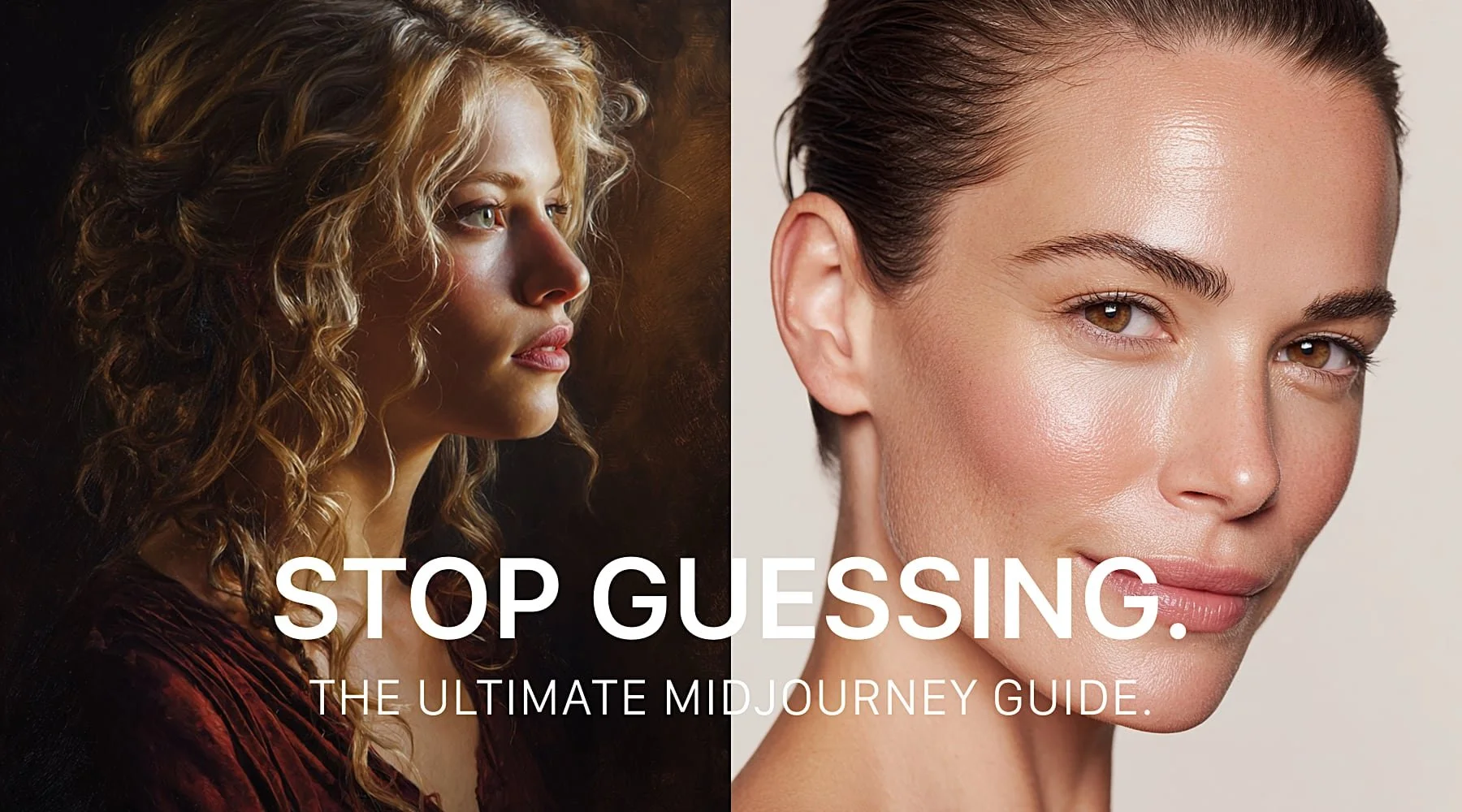
The Midjourney V7 Master Guide: Create Stunning AI Art & Visual Systems
1. Light is Everything (Cinematic Lighting)
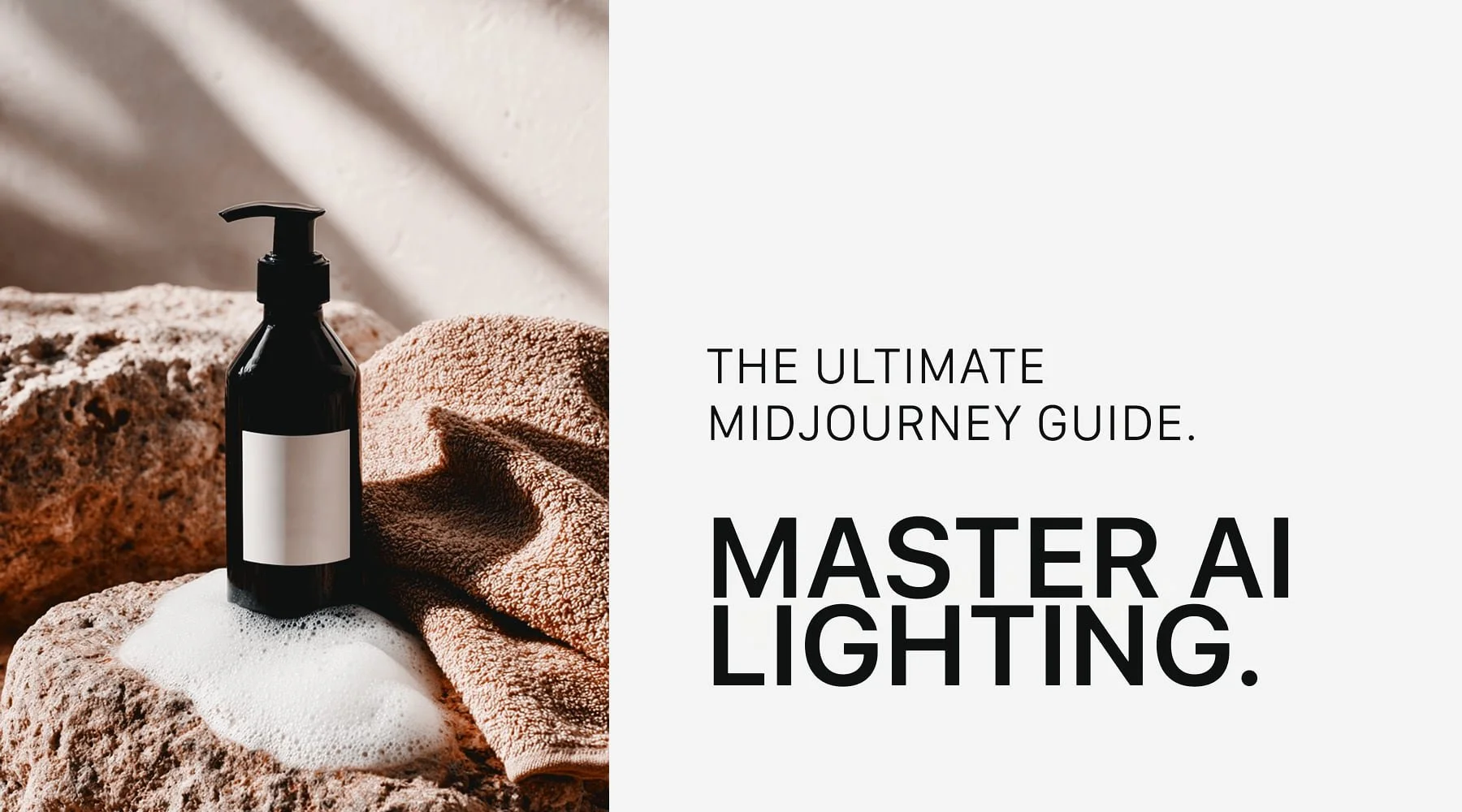
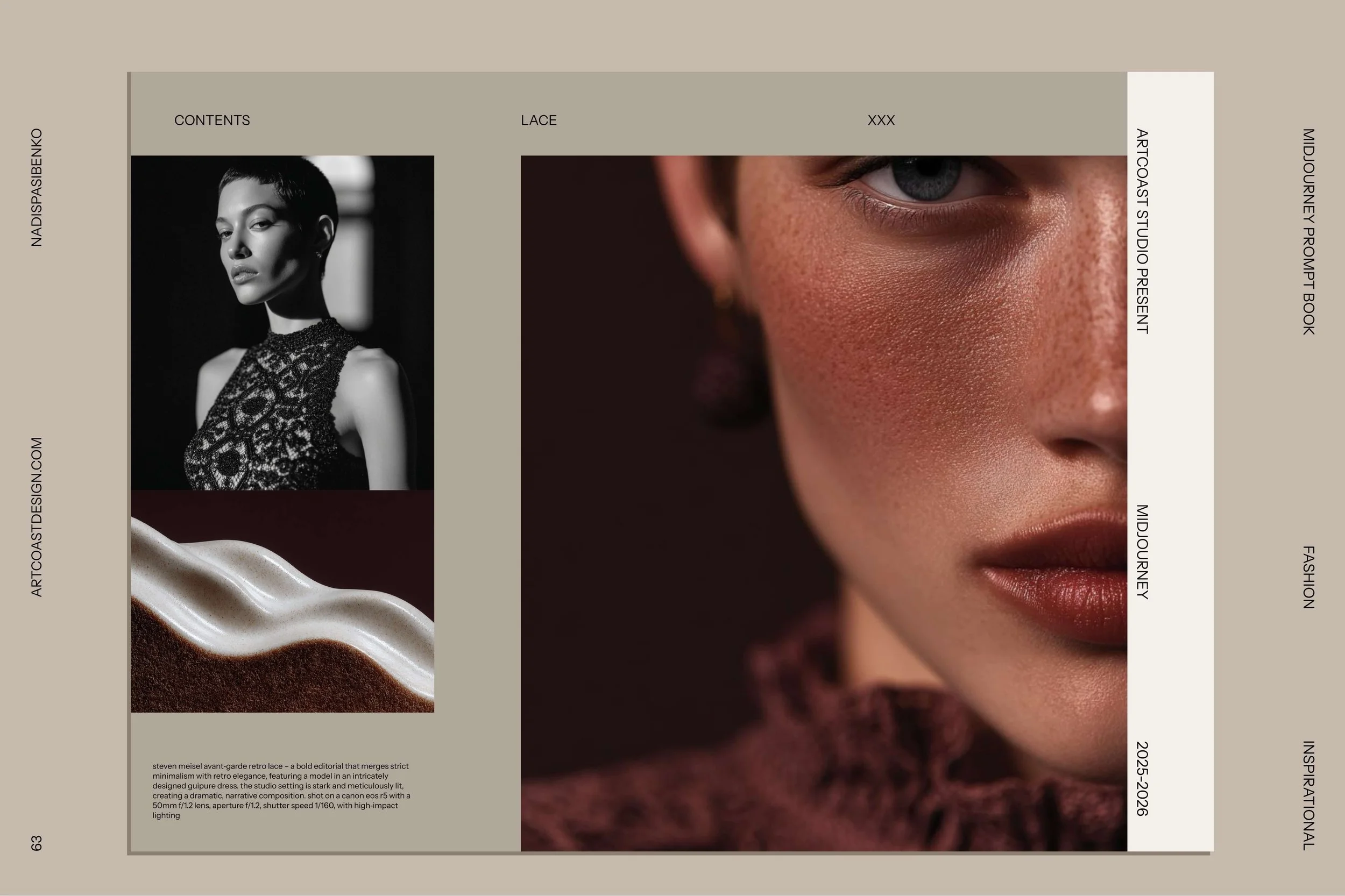
If you don't specify the light, the AI gives you flat, boring lighting. A professional prompt doesn't just say "portrait." It says: "...volumetric lighting, rim light, chiaroscuro, cinematic haze." Just adding "Rim Light" can separate your subject from the background and make the image look 3x more expensive.
The Midjourney V7 Master Guide: Create Stunning AI Art & Visual Systems
2. Camera Angles Matter
Stop accepting the default "front view." Do you want a "Low angle shot" to make the subject look powerful? Or a "Macro shot" to show texture? Our guide includes a visual library of camera terms (from Fish-eye to Telephoto) that instantly change the composition of your generation.
3. Parameters are the "Secret Sauce"
Are you still just typing text? You are missing out on 50% of the power.
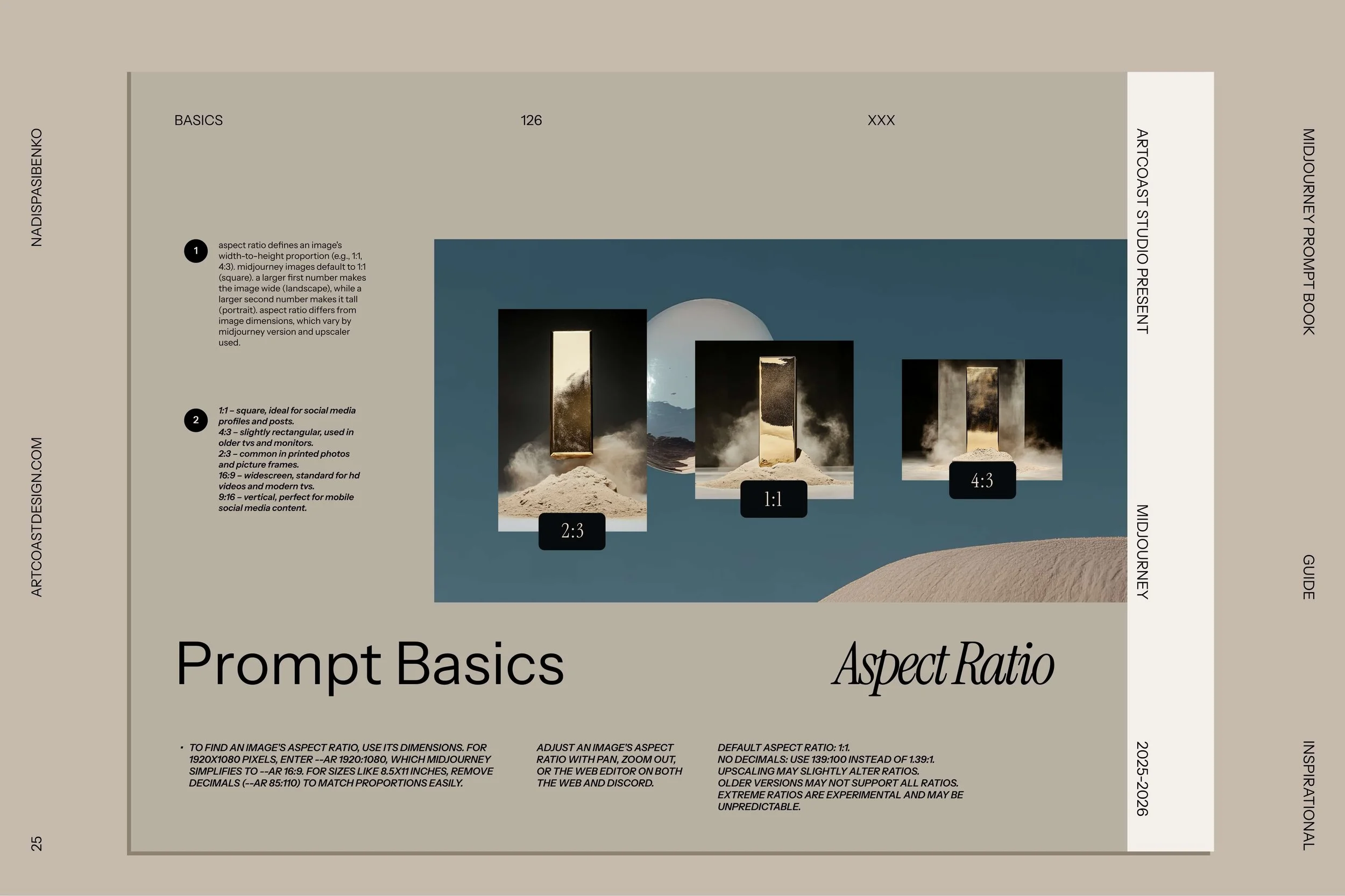
--stylize (0-1000): Controls how "artistic" vs. "literal" the image is.
--weird (0-3000): Adds unexpected, edgy elements (great for creative block).
--no: The negative prompt. Tell the AI what you don't want (e.g., --no blur, --no cartoon).
Stop Guessing. Start Creating.
You could spend 100 hours scrolling through Discord trying to reverse-engineer prompts. Or you could have the entire syntax of Midjourney open on your second screen.
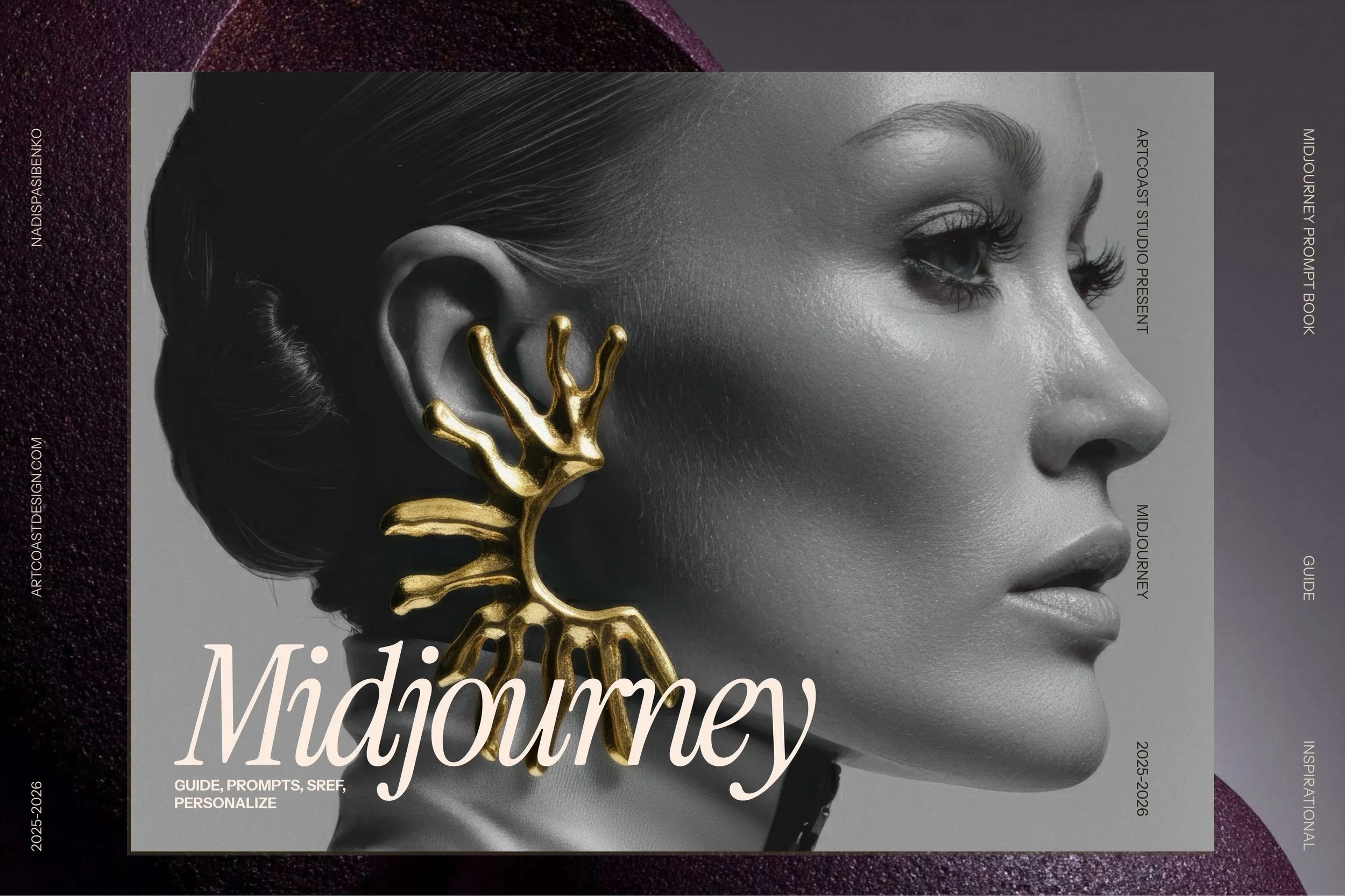
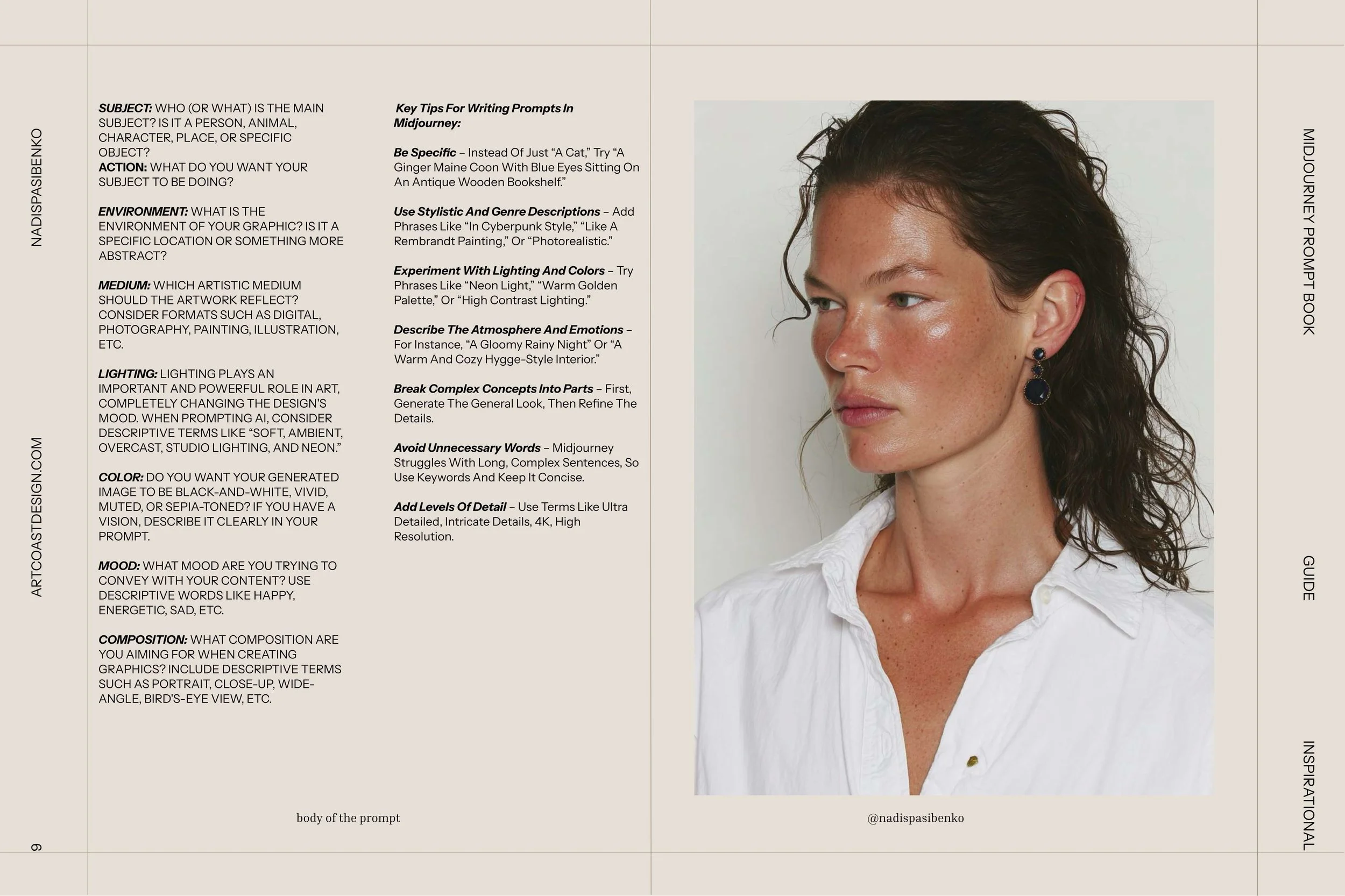
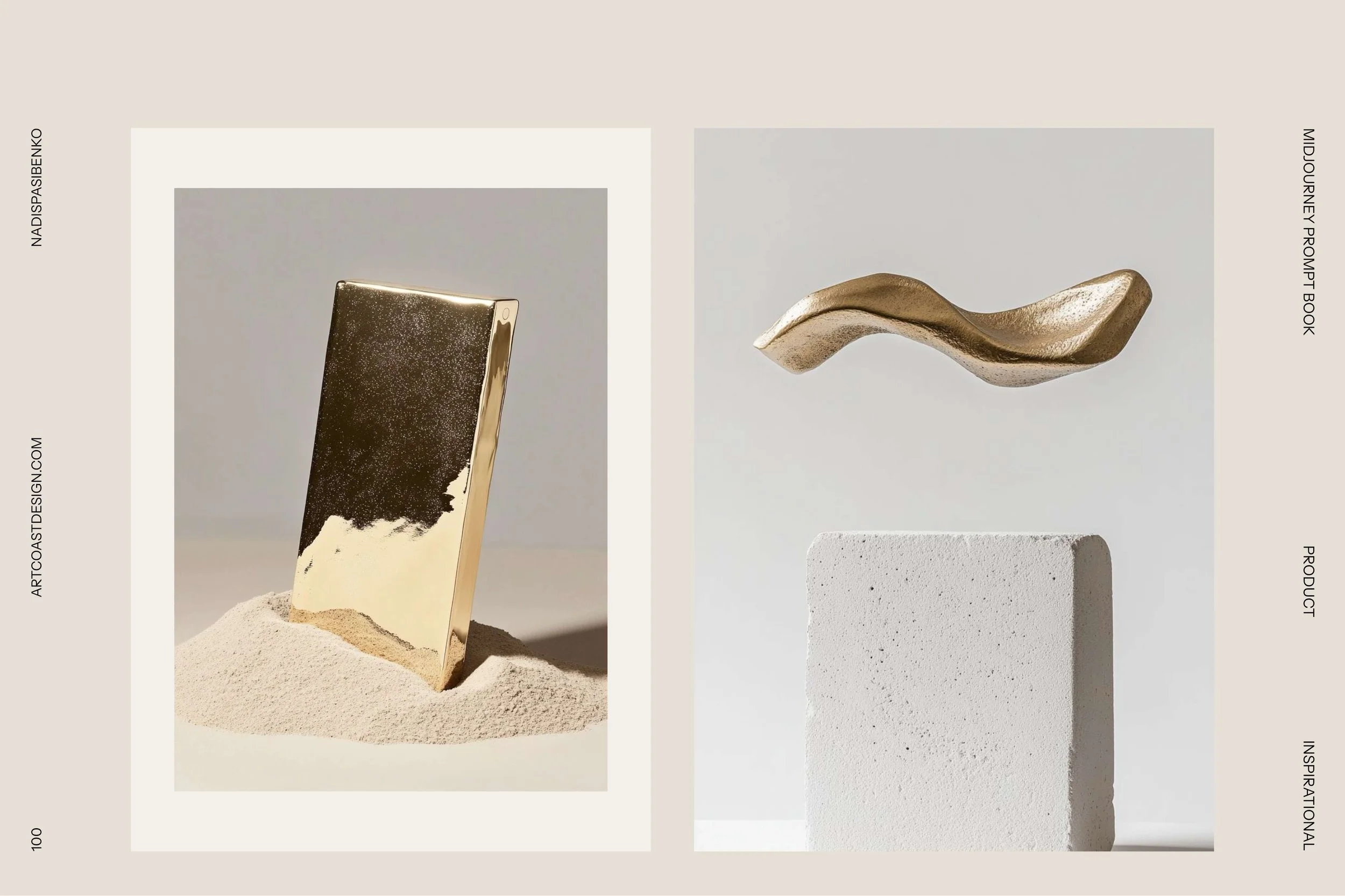
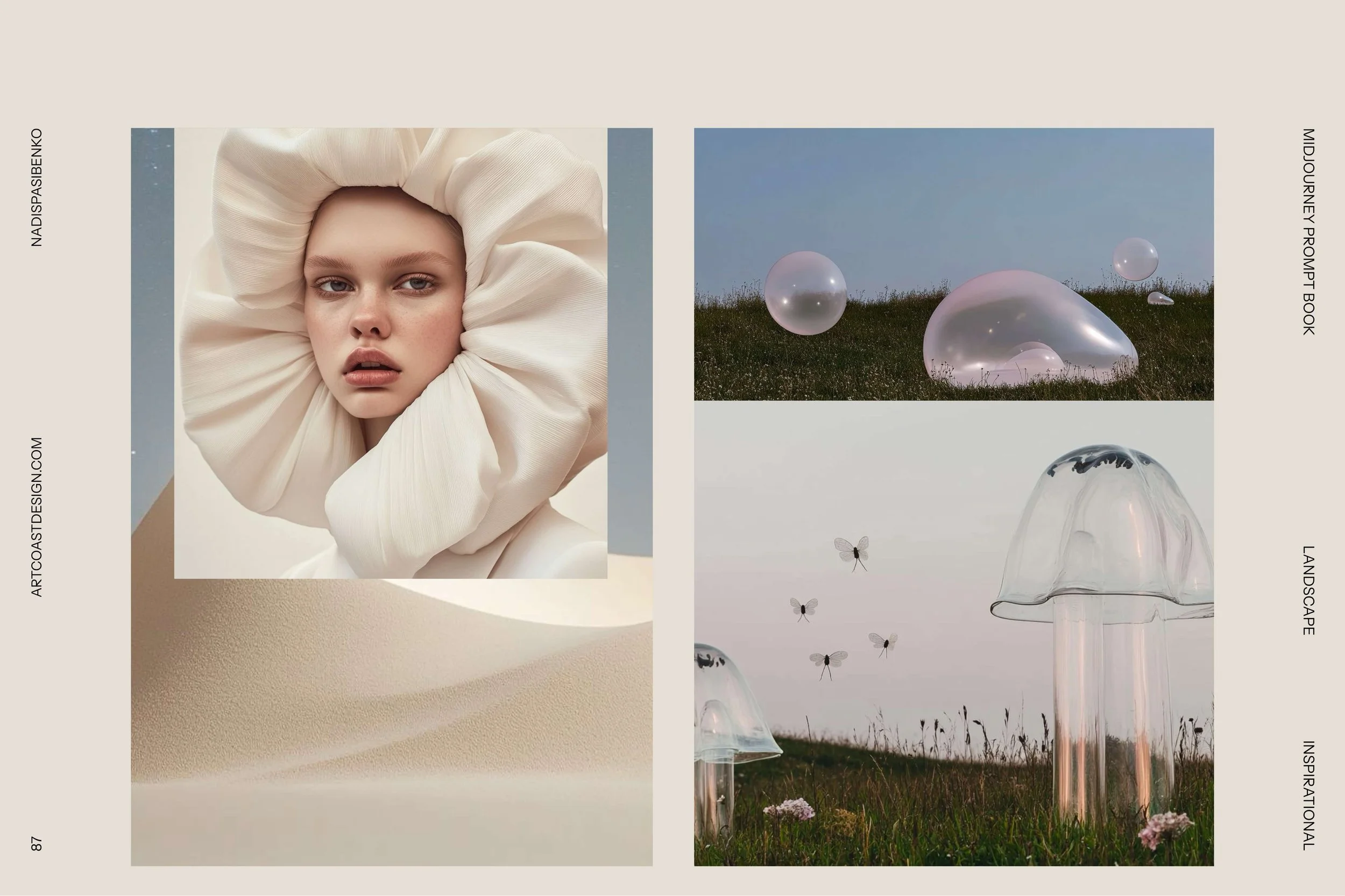
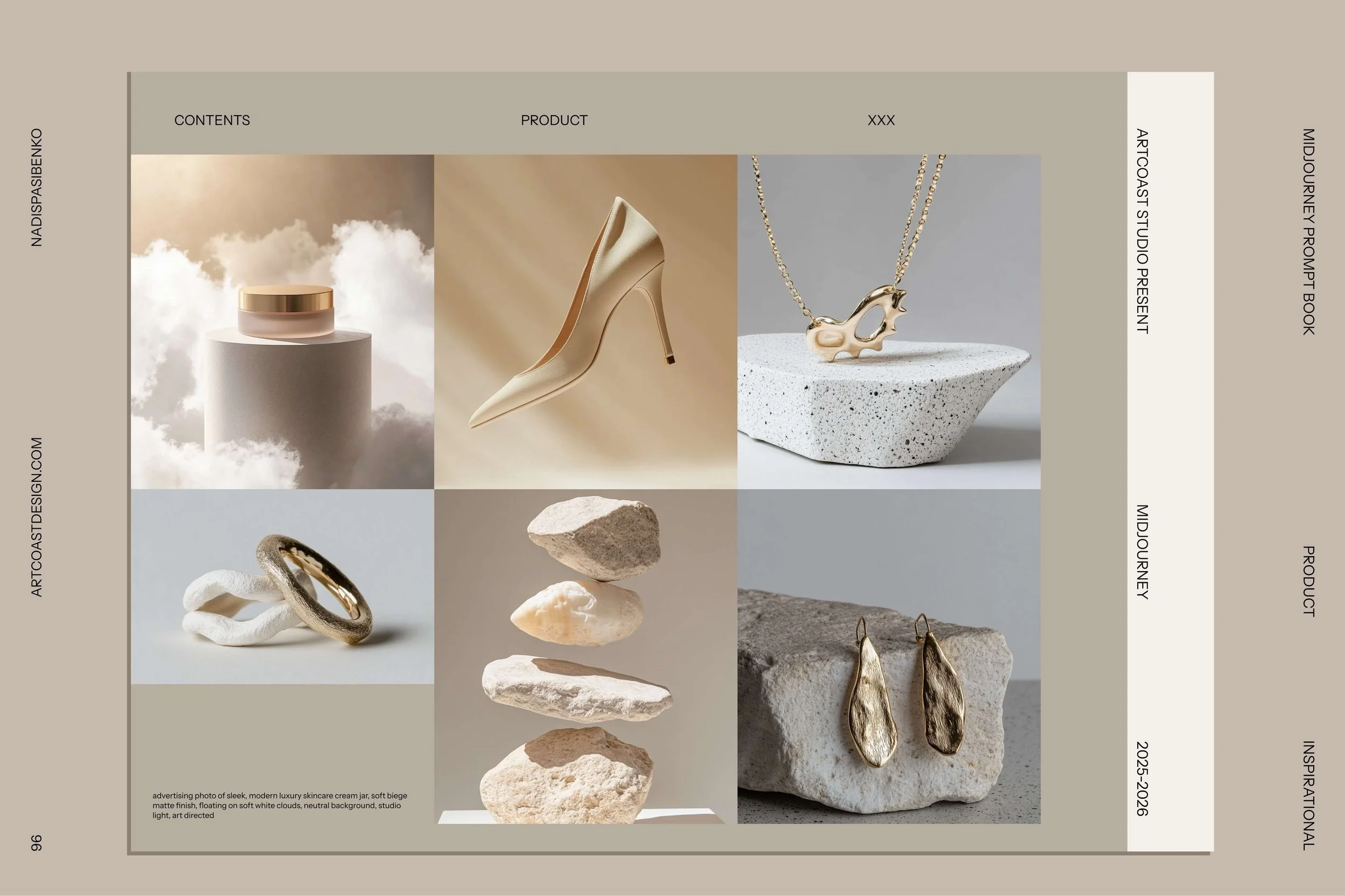
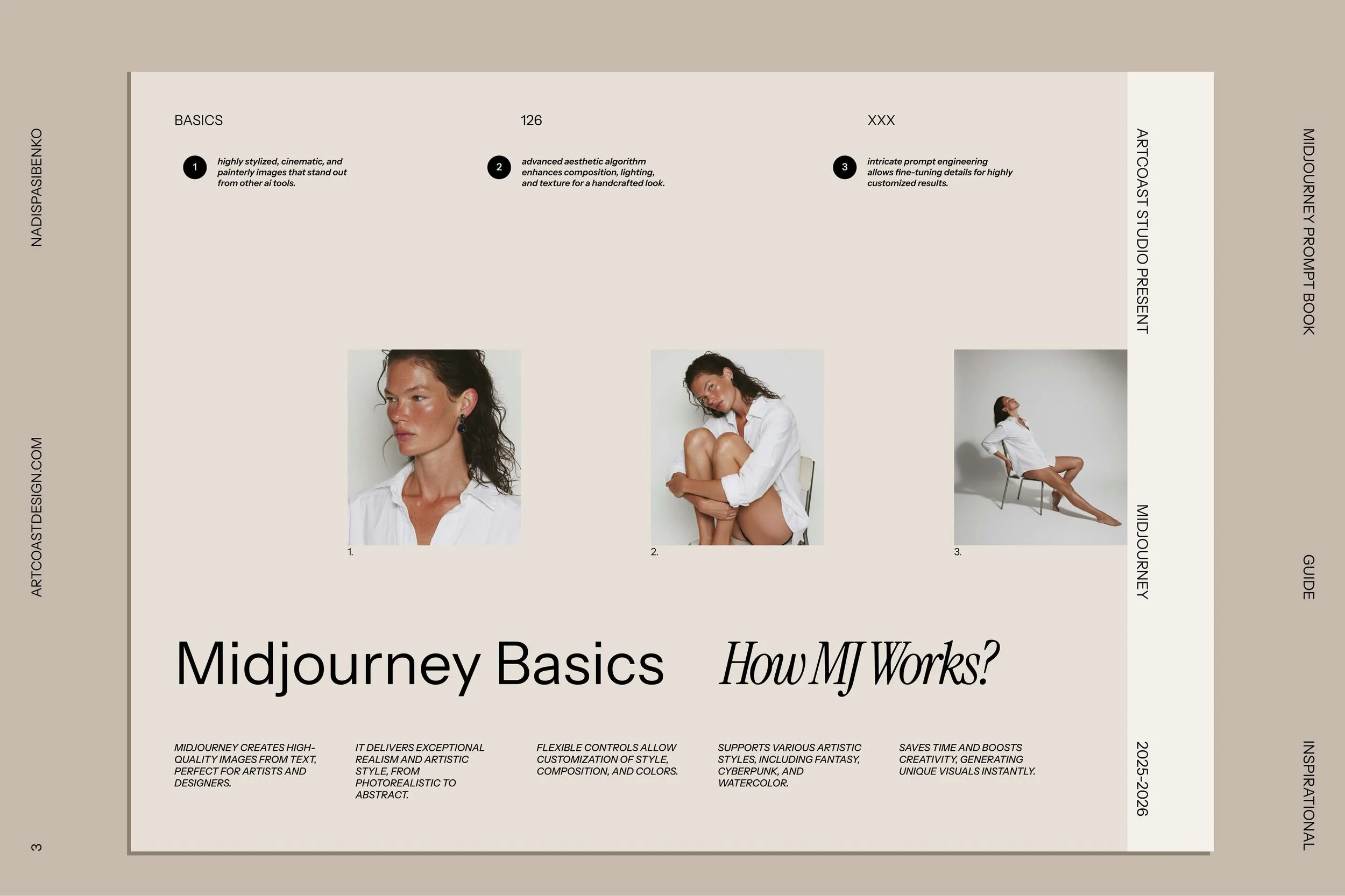
We built the Midjourney All-in-One Guide to be the ultimate cheat sheet. It’s not just text; it’s visual examples of every style, light, and parameter, so you can copy-paste your way to perfection.
Master the AI. Don't let it master you.